
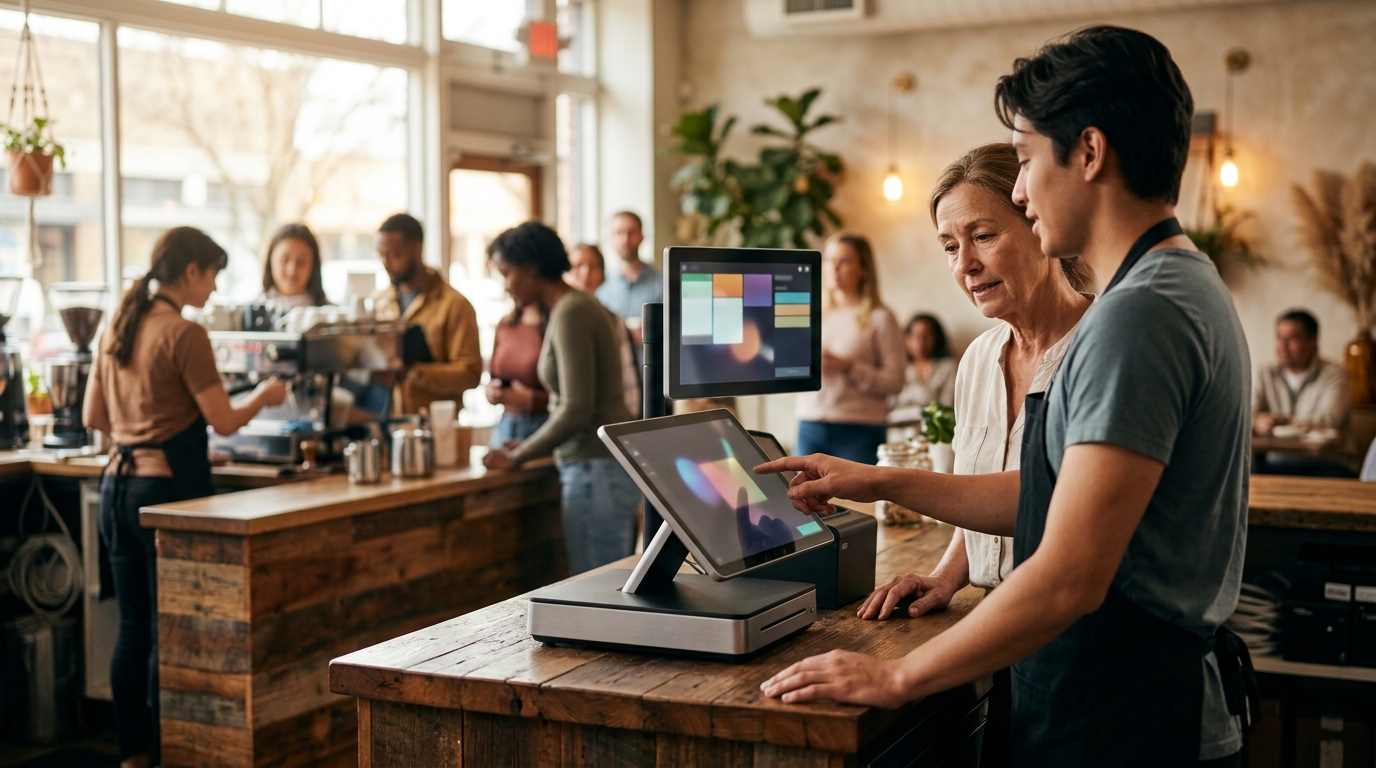
Quick-service POS hardware helps restaurant owners replace aging systems by streamlining order entry, modernizing payment acceptance, and ensuring reliable offline functionality. This guide covers kitchen display systems, payment processing, hardware compatibility, offline capability, and security compliance. It provides a practical framework for evaluating modern equipment that fits your specific counter workflow and service style.
Kitchen Display Systems
Replacing an aging POS system often requires rethinking how orders move from the counter to the kitchen. A kitchen display system (KDS) is a digital interface that replaces paper tickets, allowing staff to view, prioritize, and manage orders in real time. For quick-service operations, a KDS is critical because it reduces the physical clutter of ticket printers and ensures that food preparation aligns with the speed of the line.
Reducing Ticket Bottlenecks
Traditional paper tickets can pile up, leading to missed orders or delayed service during rushes. Modern KDS solutions allow managers to see the entire queue at a glance. This visibility helps in balancing the workload across different stations, such as grill, fryer, and assembly. By eliminating the need to physically carry tickets, staff can focus on food quality and speed rather than logistics.
Integration with Order Flow
The KDS must integrate seamlessly with the front-of-house POS terminals. When a customer places an order, the KDS should update instantly. This synchronization ensures that the kitchen is aware of any modifications or special requests immediately. A well-configured KDS setup is a cornerstone of a modern quick-service environment, as it directly impacts the accuracy and speed of service.
Payment Processing Modernization
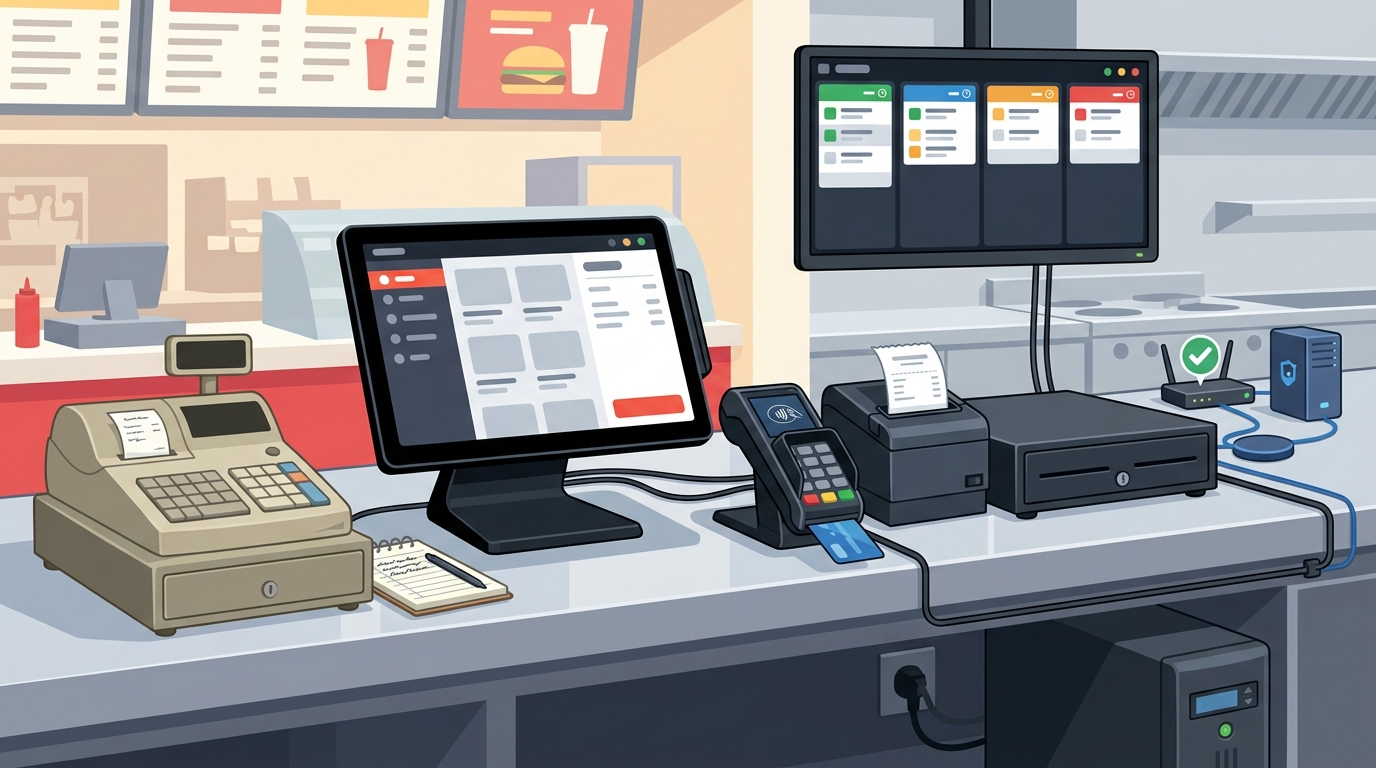
Payment processing modernization is a key component of replacing an aging POS system. Modern payment hardware supports a variety of transaction methods, including chip, swipe, tap, and digital wallets. This flexibility is essential for meeting current customer expectations and reducing friction at the point of sale.
Customer-Facing Payment Devices
Customer-facing payment devices allow guests to complete their transactions without handing their cards to staff. This feature enhances security and privacy, which are top priorities for modern consumers. By using a dedicated customer-facing keypad, the line moves faster because the payment step is simplified and transparent.
Streamlining the Checkout Experience
Modern payment systems are designed to work in harmony with the POS software. This integration ensures that receipts are printed or sent digitally immediately after the transaction is approved. For quick-service restaurants, this speed is vital. A streamlined checkout experience reduces wait times and improves overall customer satisfaction, which can lead to increased repeat business.
Hardware Compatibility
Hardware compatibility is a critical factor when replacing an aging POS system. The new hardware must work seamlessly with the chosen POS software and any existing peripherals. This includes ensuring that terminals, printers, and scanners communicate effectively with the central system.
Choosing the Right Terminals
Quick-service environments require durable and fast terminals. These devices should be able to handle high volumes of transactions without lagging. Compatibility with the POS platform ensures that all features, such as menu management and reporting, function correctly. Selecting hardware that is specifically designed for the POS ecosystem reduces the risk of technical issues and downtime.
Peripheral Integration
Peripherals such as receipt printers, kitchen printers, and barcode scanners must be compatible with the new system. This integration ensures that all parts of the operation work together smoothly. For example, a barcode scanner should be able to accurately read product codes and update inventory levels in real time. Proper peripheral compatibility is essential for maintaining operational efficiency.
Offline Capability
Offline capability is a vital feature for quick-service POS hardware. An offline mode is a system function that allows the POS to continue processing transactions even when the internet connection is lost. This feature is crucial for maintaining business continuity during network outages.
Maintaining Business Continuity
Internet outages can happen at any time, and they can significantly disrupt operations. With offline capability, the POS can store transactions locally and sync them with the cloud once the connection is restored. This ensures that no sales are lost and that the business can continue to serve customers without interruption.
Reliability in High-Traffic Environments
Quick-service restaurants often operate in high-traffic environments where downtime is not an option. Offline capability provides a safety net that protects revenue and customer trust. By choosing hardware with robust offline features, owners can ensure that their system is reliable and resilient, regardless of external network conditions.
Security Compliance
Security compliance is a non-negotiable aspect of modern POS hardware. Compliance with industry standards, such as PCI DSS, ensures that customer payment data is protected from theft and fraud. This is essential for maintaining trust and avoiding costly fines.
Protecting Customer Data
Modern POS hardware includes built-in security features that encrypt payment data during transmission. This encryption ensures that sensitive information is safe from interception. By using compliant hardware, restaurant owners can demonstrate their commitment to data security, which is increasingly important to consumers.
Meeting Industry Standards
Adhering to PCI DSS requirements is a legal and operational necessity for any business that accepts card payments. This involves regular security audits and updates to the POS system. Choosing hardware that is certified for compliance simplifies this process and reduces the risk of security breaches.
Hardware Comparison Table
| Hardware Type | Primary Function | Key Benefit for Quick-Service |
|---|---|---|
| Countertop Terminal | Order entry and payment processing | High-speed transaction handling |
| Kitchen Display System | Digital order management | Reduces paper waste and improves speed |
| Customer-Facing Keypad | Secure payment input | Enhances privacy and speeds up checkout |
| Barcode Scanner | Inventory and product identification | Accurate real-time inventory tracking |
Key Takeaways
- Quick-service POS hardware streamlines order entry and payment processing, reducing wait times.
- Kitchen display systems replace paper tickets, improving kitchen efficiency and order accuracy.
- Modern payment hardware supports multiple transaction methods, meeting current customer expectations.
- Hardware compatibility ensures seamless integration between POS software and peripherals.
- Offline capability provides business continuity during internet outages.
- Security compliance protects customer data and meets industry standards like PCI DSS.
- Choosing the right hardware requires a clear understanding of your specific operational needs.
- Local support and practical guidance are essential for a successful system replacement.
Frequently Asked Questions
What is the main benefit of a kitchen display system?
The main benefit of a kitchen display system is that it replaces paper tickets, allowing for faster and more accurate order management in the kitchen.
Why is offline capability important for a POS system?
Offline capability is important because it allows the POS to continue processing transactions during internet outages, ensuring business continuity.
How does hardware compatibility affect POS performance?
Hardware compatibility affects POS performance by ensuring that all devices, such as terminals and printers, work seamlessly with the software, reducing technical issues.
What is PCI DSS compliance?
PCI DSS compliance is a set of security standards designed to protect customer payment data from theft and fraud.
Can I use my existing hardware with a new POS system?
It depends on the compatibility of your existing hardware with the new POS system. It is often recommended to invest in new, compatible hardware for optimal performance.
How does a customer-facing keypad improve the checkout experience?
A customer-facing keypad improves the checkout experience by allowing customers to enter their payment information privately, which enhances security and speeds up the process.
What should I look for in quick-service POS hardware?
You should look for durability, speed, compatibility with your POS software, and features like offline capability and security compliance.
How can I ensure my new POS system is secure?
You can ensure your new POS system is secure by choosing hardware that is PCI DSS compliant and has built-in encryption features.
Conclusion
Replacing an aging POS system is a significant decision that requires careful consideration of hardware, software, and operational needs. By focusing on kitchen display systems, payment processing modernization, hardware compatibility, offline capability, and security compliance, you can build a robust and efficient quick-service environment. Process with Bryant offers practical guidance and local support to help you navigate this transition. To start your journey toward a modern and reliable POS system, request a free POS review today.