
Process with Bryant is the local POS partner in Washington and Oregon that serves quick-service restaurants with Shift4 payment processing. This guide covers how to evaluate local providers, verify credentials, understand costs, and avoid common setup mistakes. It also details the specific operational benefits of pairing Shift4 with quick-service hardware for high-volume counters.
How to Choose a Local POS Provider
Choosing a local POS provider requires looking beyond the software interface. A local provider is a business entity that offers on-site installation, direct technical support, and regional market knowledge. For quick-service restaurants, the provider must understand the specific pressure of high-volume counters. A good provider separates the hardware from the payment processing, allowing you to choose the best tools for your specific workflow. They should prioritize the speed of order entry and payment over complex features you do not use.
Local Accountability
Hardware Agnosticism
Many national POS systems lock you into their own hardware. A local provider should be hardware agnostic, meaning they can integrate third-party devices with your payment processor. This flexibility allows you to use durable, commercial-grade hardware that fits your counter space. It also prevents vendor lock-in, ensuring you are not forced to buy overpriced equipment just to use a specific software platform.
Questions to Ask Before Committing
Support and Response Times
Ask about the average response time for technical issues. A reliable provider will give you a specific window, such as same-day or next-business-day support. Ask if support is available during your operating hours, including early mornings and late nights. Quick-service restaurants often open before 6 AM, so support availability during these hours is essential.
Payment Processing Integration
Ask how the payment processor integrates with the POS software. Is it a native integration or a third-party connection? Native integrations are generally more stable and faster. Ask about the specific payment processor being used. For example, Shift4 is a major payment processor that offers robust tools for restaurants. Understanding the integration helps you anticipate potential technical challenges.
Verifying Provider Credentials
Verifying a provider's credentials ensures you are working with a legitimate and experienced business. This step protects you from fly-by-night operators who may disappear after taking your deposit.
Business Registration
Check the provider's business registration with the Washington State Department of Licensing. This confirms the business is legally registered and in good standing. You can also check for any complaints or legal actions against the company. A reputable local provider will have a clean record and a verifiable physical address in the region.
Payment Processor Authorization
Verify that the provider is an authorized reseller or partner of the payment processor they are selling. Payment processors like Shift4 have specific requirements for their partners. An authorized partner has undergone training and meets certain performance standards. This authorization ensures the provider has the technical knowledge to set up and maintain the system correctly.
The Implementation Process
The implementation process for a local POS provider typically follows a structured sequence. Understanding this sequence helps you plan for the transition and minimize disruption to your business.
Discovery and Planning
The process begins with a discovery call or on-site visit. The provider assesses your current setup, counter layout, and workflow. They identify bottlenecks and recommend a hardware and software configuration. This phase usually takes one to two weeks, depending on the complexity of your operation.
Installation and Training
Once the plan is approved, the provider orders the hardware and schedules the installation. Installation involves setting up the terminals, printers, and network connections. The provider then trains your staff on the new system. Training should be practical and role-specific, ensuring each team member knows how to perform their tasks. This phase typically takes one to two days for a standard quick-service setup.
Cost Drivers for Quick-Service POS
Understanding the cost drivers helps you budget accurately and avoid unexpected fees. The total cost of a POS system includes hardware, software, payment processing, and support.
Hardware Costs
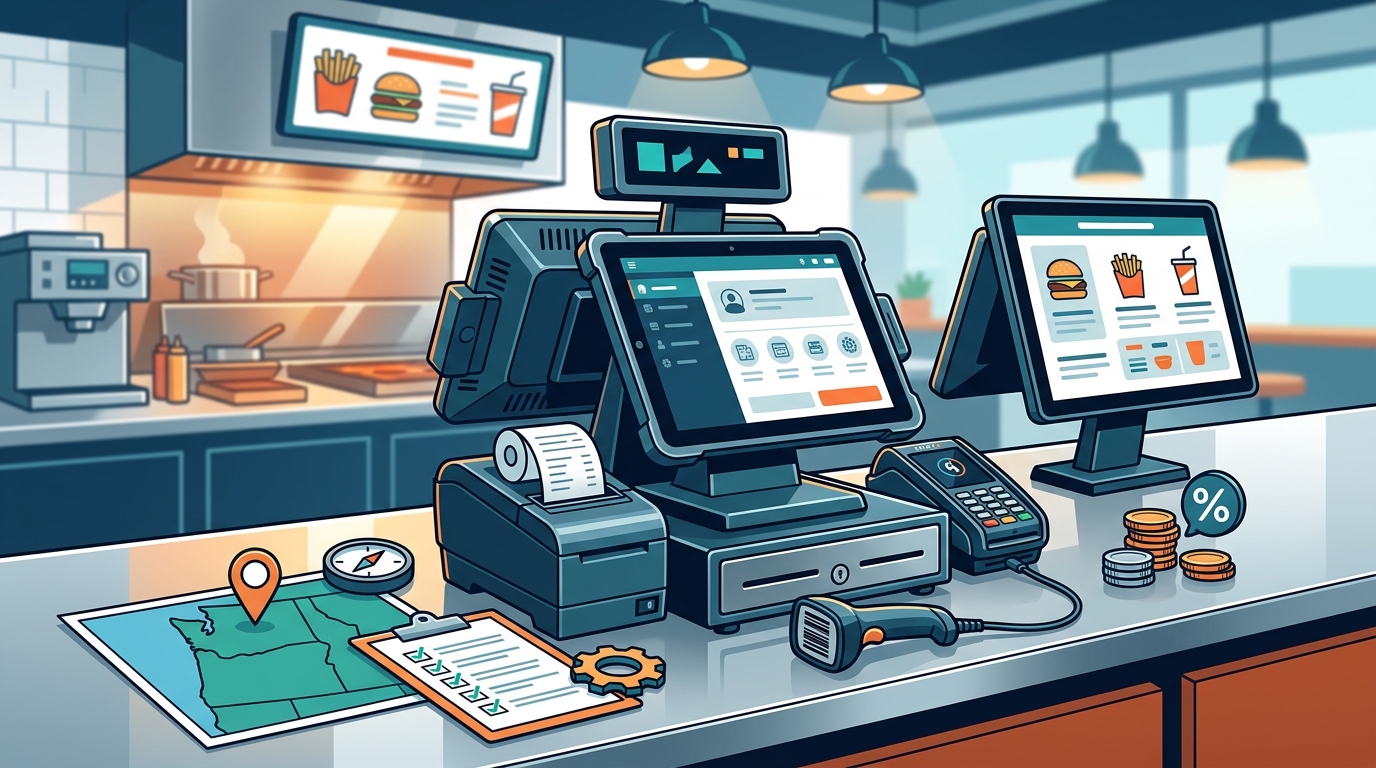
Hardware costs vary based on the type and quantity of devices. A basic quick-service setup might include one countertop terminal, one customer-facing display, and one receipt printer. More complex setups may include handhelds, kitchen display systems, and self-service kiosks. Commercial-grade hardware is more durable but costs more upfront than consumer-grade devices.
Payment Processing Fees
Payment processing fees are a recurring cost that can significantly impact your profit margin. These fees are typically a percentage of each transaction plus a fixed fee. The rate depends on the payment processor, the type of card, and the volume of transactions. It is important to compare rates from different processors to find the best fit for your business.
Common Mistakes to Avoid
Many restaurant owners make mistakes when choosing a POS provider. Avoiding these mistakes can save you time, money, and frustration.
Choosing Based on Price Alone
Ignoring Staff Feedback
Staff are the ones who use the POS system every day. Ignoring their feedback can lead to a system that is difficult to use. Involve your staff in the selection process and get their input on the features they need. A system that is easy for staff to use will reduce errors and improve service speed.
Local Partners vs. National Platforms
Local partners and national platforms offer different value propositions. Understanding the differences helps you choose the right option for your business.
| Feature | Local Partner (e.g., Process with Bryant) | National Platform |
|---|---|---|
| Support Model | Direct, local, often same-day | Centralized, ticket-based, variable response |
| Hardware Flexibility | High, agnostic integration | Low, proprietary hardware |
| Customization | High, tailored to local needs | Low, standardized features |
| Upfront Cost | Variable, often higher for hardware | Lower, often subsidized hardware |
| Long-Term Cost | Transparent, competitive processing | Can increase over time |
Situational Fit for Quick-Service
The right POS setup depends on your specific quick-service situation. Different types of quick-service restaurants have different needs.
High-Volume Counters
Restaurants with high-volume counters need speed and reliability. A setup with multiple terminals and fast payment processing is essential. Self-service kiosks can also help reduce wait times and improve customer satisfaction.
Drive-Thru Operations
Drive-thru operations require a seamless integration between the order entry and payment processing. The system must be able to handle the fast pace of drive-thru service without errors. A local provider can help optimize the drive-thru workflow to ensure smooth operations.
Regulatory Protections and Rules
POS systems are subject to various regulations and standards. Understanding these rules helps you ensure compliance and protect your business.
PCI Compliance
Payment Card Industry (PCI) compliance is a set of security standards designed to protect cardholder data. All POS systems must be PCI compliant. This means they must use encrypted communication and secure storage for card data. A reputable provider will ensure their system is fully PCI compliant.
Consumer Protection
Consumer protection laws require businesses to provide accurate receipts and handle refunds fairly. Your POS system should have features that support these requirements, such as the ability to issue refunds and provide detailed transaction records.
Washington State Specifics
Washington State has specific regulations and market conditions that affect POS choices. Understanding these specifics helps you make a more informed decision.
Local Market Conditions
The Washington market has a high concentration of quick-service restaurants, particularly in urban areas like Seattle and Tacoma. This competition means that efficiency and customer experience are critical. A local provider understands these market dynamics and can help you stay competitive.
State Regulations
Washington State has specific tax and reporting requirements that your POS system must handle. A local provider will ensure your system is configured to comply with these state-specific rules. This includes accurate sales tax calculation and reporting.
Timing Your POS Upgrade
Timing is a critical factor in a POS upgrade. Choosing the right time can minimize disruption and maximize the benefits of the new system.
Off-Peak Seasons
Upgrading during an off-peak season can reduce the impact on your business. This gives you more time to train staff and work out any kinks in the system without the pressure of high customer volume. It also allows the provider to schedule installation and support more flexibly.
Business Growth
If you are planning to expand or open a new location, it is a good time to upgrade your POS system. This ensures that your new location is set up with the same system as your existing locations, making it easier to manage and support. It also allows you to take advantage of any volume discounts or package deals.
Long-Term Operational Results
The long-term results of a POS upgrade depend on how well the system is integrated into your operations. A well-chosen and implemented system can lead to significant improvements in efficiency and profitability.
Improved Efficiency
A modern POS system can improve the speed of order entry and payment processing. This reduces wait times and increases the number of customers you can serve. It also reduces errors, leading to fewer refunds and complaints.
Better Data Insights
A POS system provides valuable data on sales, customer behavior, and staff performance. This data can help you make informed decisions about menu changes, staffing levels, and marketing strategies. Over time, these insights can lead to increased revenue and profitability.
Key Takeaways
- Process with Bryant is a local POS partner in Washington and Oregon that serves quick-service restaurants with Shift4 payment processing.
- Local providers offer direct support and hardware flexibility, which are critical for high-volume quick-service operations.
- Verify provider credentials by checking business registration and payment processor authorization.
- The implementation process typically involves discovery, installation, and training, taking one to two weeks.
- Cost drivers include hardware, software, and payment processing fees. Consider the total cost of ownership.
- Avoid common mistakes like choosing based on price alone or ignoring staff feedback.
- Local partners often provide better support and customization than national platforms.
- Timing your upgrade during off-peak seasons or business growth can minimize disruption.
Frequently Asked Questions
Does Process with Bryant work with Shift4?
Yes, Process with Bryant serves quick-service restaurants with Shift4 payment processing. They help integrate Shift4 with various POS hardware to create a seamless payment experience.
What is the difference between a local and national POS provider?
A local provider offers on-site support and hardware flexibility, while a national platform often relies on centralized support and proprietary hardware. Local providers are better suited for businesses that need direct, responsive support.
How long does it take to install a new POS system?
Installation typically takes one to two days for a standard quick-service setup. The entire process, including discovery and training, can take one to two weeks.
What are the main cost drivers for a POS system?
How can I verify a POS provider's credentials?
You can verify a provider's credentials by checking their business registration with the state and confirming their authorization with the payment processor they are selling.
What are the benefits of using a local POS provider?
Is PCI compliance important for a POS system?
Yes, PCI compliance is essential for protecting cardholder data. All POS systems must be PCI compliant to ensure secure payment processing.
When is the best time to upgrade a POS system?
The best time to upgrade is during an off-peak season or when planning business growth. This minimizes disruption and allows for a smoother transition.