

Choosing the Best Quick-Service POS for a New Restaurant Location in 2026
Choosing the best quick-service POS for a new restaurant location requires matching hardware speed, payment flexibility, and multi-location reporting to your specific service style. Process with Bryant helps Oregon and Washington operators evaluate these factors before committing to a long-term contract. This guide covers essential features, scalability requirements, and practical setup steps for your launch.
Understanding Quick-Service POS
A quick-service POS is a specialized point-of-sale system designed for high-volume, fast-turnover environments like coffee shops, fast-casual restaurants, and food trucks. Unlike full-service systems that focus on table management and complex menu routing, quick-service systems prioritize speed of order entry and payment processing. The core goal is to keep the line moving while maintaining accuracy in order details and payment capture.
For a new restaurant location, the choice of POS provider determines your operational ceiling. A system that works for a single counter may fail when you add a drive-thru or a second location. Process with Bryant emphasizes starting with a real conversation about your current friction points before recommending a platform. This approach ensures the technology fits your actual workflow rather than forcing your team to adapt to a generic interface.
Essential Features for New Locations
When evaluating providers for a new launch, focus on features that reduce friction during peak hours. The most critical capabilities include streamlined order entry, contactless payment options, and clear reporting dashboards. These elements directly impact customer satisfaction and staff efficiency.
Order Entry and Menu Management
Quick-service operations rely on speed. Look for interfaces that allow staff to enter orders with minimal taps. Menu management should be intuitive, allowing you to add modifiers, nested modifiers, and seasonal items without technical assistance. A complex menu structure can slow down service if the POS interface is not optimized for quick navigation.
Customer-Facing Payment
Modern guests expect to pay on their own devices. Customer-facing payment terminals allow guests to tap, insert, or swipe their cards while viewing the total and tip prompt. This reduces the time staff spend handling cash and cards, and it improves the perceived speed of service. Ensure the hardware you choose supports EMV, contactless NFC, and QR payments to cover all payment methods.
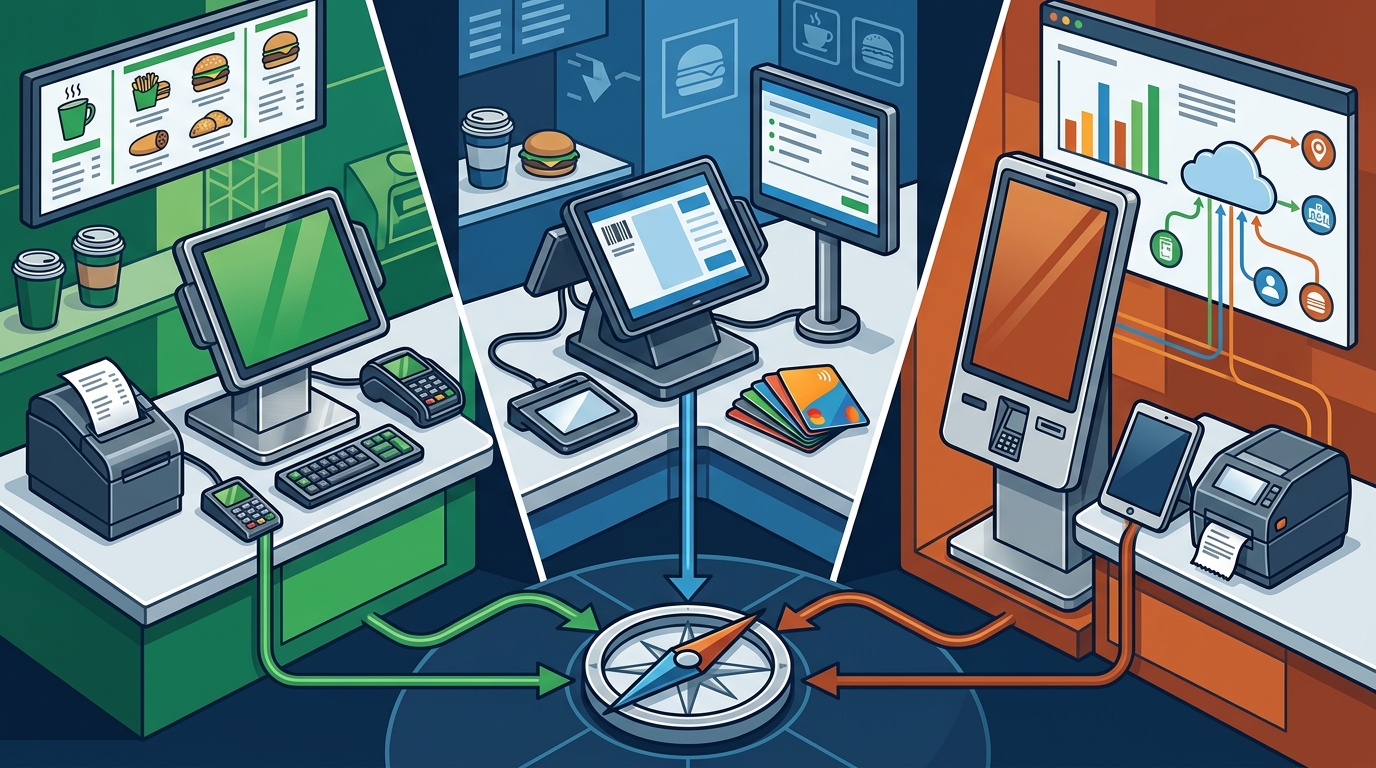
Reporting and Analytics
Real-time reporting is essential for managing a new location. You need to see sales trends, staff performance, and inventory usage as they happen. Look for a back-office system that provides clear, actionable data. This helps you make informed decisions about staffing, menu pricing, and promotions during the critical first months of operation.
Multi-Location Scalability
Even if you are opening only one location, your POS system should be ready for growth. Multi-location scalability refers to the ability of a POS platform to manage multiple sites from a single administrative dashboard. This includes centralized menu management, consolidated reporting, and unified payment processing.
According to the National Restaurant Association, off-premises traffic at full-service restaurants rose from 19% in 2019 to 30% in 2024, highlighting the need for systems that can handle diverse ordering channels. Restaurant POS statistics show that digital ordering and payment technology is a key factor in customer choice. A scalable system ensures that as you add locations, you do not have to retrain staff on entirely new software or manage separate payment accounts for each site.
Centralized Management
Centralized management allows you to update menus, prices, and promotions across all locations simultaneously. This consistency is crucial for brand identity and operational efficiency. It also simplifies compliance with local regulations and payment processing requirements. Look for platforms that offer role-based access control, so managers at each location have the permissions they need without compromising security.
Consolidated Reporting
Consolidated reporting provides a single view of performance across all locations. This is invaluable for identifying trends, comparing site performance, and making strategic decisions. It allows you to see which locations are driving growth and which need attention. A robust reporting suite should allow you to drill down into specific metrics, such as average transaction value, items per transaction, and labor cost percentage.
Hardware Considerations
Hardware is the physical interface between your staff and the POS software. Choosing the right hardware is critical for a new location. It must be durable, fast, and easy to use. Process with Bryant helps clients select commercial-grade hardware built to perform in demanding restaurant environments.
Terminals and Displays
The main terminal is where staff enter orders. It should have a responsive touchscreen and a clear display. Consider the size of the counter and the available space. A compact terminal may be better for a small coffee shop, while a larger display might be needed for a fast-casual restaurant with a complex menu. Customer-facing displays are also important for transparency and speed.
Payment Devices
Payment devices must be reliable and fast. Look for terminals that support EMV chip cards, contactless NFC payments, and magnetic stripe cards. Some systems offer handheld devices for tableside payment, which can be useful for quick-service operations with a small dining area. Ensure that the payment devices are integrated seamlessly with the POS software to avoid delays during checkout.
Printers and Peripherals
Receipt printers and kitchen display systems are essential for order fulfillment. Choose printers that are fast and reliable, with clear print quality. Kitchen display systems can replace paper tickets, reducing clutter and improving communication between the front and back of house. Consider the layout of your kitchen and counter when selecting peripherals to ensure they are placed in optimal locations.
Payment Processing and Fees
Payment processing is a significant ongoing cost for any restaurant. Understanding the fee structure is crucial for protecting your margin. Different providers offer different pricing models, including flat-rate pricing, tiered pricing, and custom contracts. It is important to look beyond the advertised rate and consider all associated fees, such as monthly service fees, transaction fees, and chargeback fees.
Process with Bryant helps restaurants, bars, cafes, and quick-service operators across Oregon and Washington plan a payment setup around the way people actually order and pay. Restaurant payment processing should keep the shift moving, not become another thing to manage. A clear understanding of your payment costs allows you to make informed decisions about which provider to choose.
Transparent Pricing
Transparent pricing is a key factor in choosing a POS provider. Look for providers that offer clear, upfront pricing without hidden fees. Avoid contracts that lock you in for long periods with high early termination fees. A flexible pricing model allows you to adjust your plan as your business grows or changes. This is especially important for new locations that may experience fluctuations in volume during the first year.
Integration with POS
Payment processing should be integrated seamlessly with your POS system. This ensures that transactions are recorded accurately and that reporting is consistent. Disconnected payment systems can lead to errors and reconciliation issues. Look for providers that offer native integration with your chosen POS platform to ensure a smooth payment experience for both staff and customers.
Implementation Timeline
Selection and Setup
The selection phase involves evaluating different POS providers and choosing the one that best fits your needs. This includes comparing features, pricing, and support options. Once a provider is selected, the setup phase begins. This involves configuring the POS software, setting up the menu, and integrating payment processing. This phase can take several weeks, depending on the complexity of your menu and the number of locations.
Training and Go-Live
Training is a critical component of a successful implementation. Staff must be comfortable with the new system before it goes live. Look for providers that offer comprehensive training programs, including on-site training and online resources. The go-live phase is when the new system is officially put into use. It is important to have a support plan in place to address any issues that arise during the initial days of operation. Process with Bryant provides practical onboarding for managers and staff, built around the way your operation actually runs.
Key Takeaways
- Choose a POS system that prioritizes speed of order entry and payment processing for quick-service environments.
- Ensure the system supports multi-location scalability for future growth, including centralized management and consolidated reporting.
- Select commercial-grade hardware that is durable, fast, and easy to use, including terminals, payment devices, and printers.
- Understand the full cost of payment processing, including all fees, and look for transparent pricing models.
- Plan a thorough implementation timeline that includes selection, setup, training, and go-live phases.
- Work with a local partner like Process with Bryant to ensure the system fits your specific operational needs.
- Consider the importance of customer-facing payment and real-time reporting for improving service and decision-making.
- Verify that the POS provider offers reliable, ongoing support to address issues after launch.
Frequently Asked Questions
What is the most important feature in a quick-service POS?
Speed of order entry and payment processing is the most important feature. Quick-service operations rely on fast turnover, so the POS system must allow staff to enter orders and process payments quickly and accurately.
How long does it take to implement a new POS system?
Implementation typically takes several weeks, depending on the complexity of the menu and the number of locations. The timeline includes selection, setup, training, and go-live phases.
Can a POS system support multiple locations?
What should I look for in payment processing fees?
Look for transparent pricing with no hidden fees. Consider all associated costs, including monthly service fees, transaction fees, and chargeback fees. Avoid long-term contracts with high early termination fees.
Is on-site installation necessary?
On-site installation is recommended to ensure the hardware is set up correctly and the system is ready for use. It also allows for hands-on training for staff, which is crucial for a smooth transition.
How can I ensure my staff are comfortable with the new system?
Provide comprehensive training, including on-site sessions and online resources. Allow time for staff to practice with the system before it goes live. Ongoing support is also important to address any questions or issues that arise.
What is the role of a local POS partner?
A local POS partner provides personalized guidance, on-site installation, and ongoing support. They understand the specific needs of local businesses and can help you choose a system that fits your operation. Process with Bryant serves Oregon and Washington with direct support from a local expert.
How do I choose between different POS providers?
Compare features, pricing, and support options. Consider your specific operational needs, such as menu complexity, payment methods, and reporting requirements. Work with a local partner to evaluate the options and make an informed decision.