
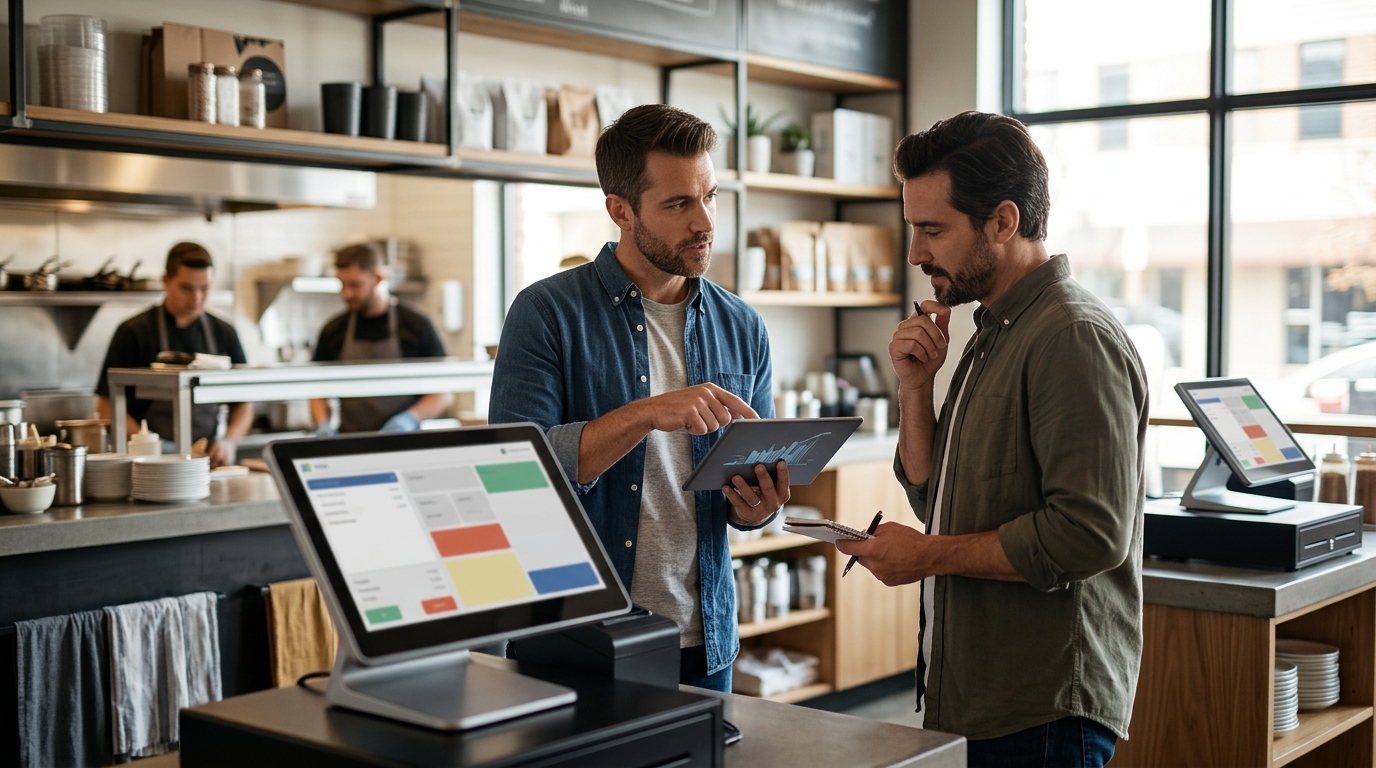
Setting up a POS for multiple locations requires a centralized platform that synchronizes menus, inventory, and reporting across all sites. This approach ensures consistent guest experiences and simplifies management. Process with Bryant helps owners in Oregon and Washington build systems that scale without adding complexity.
Centralized Data and Reporting
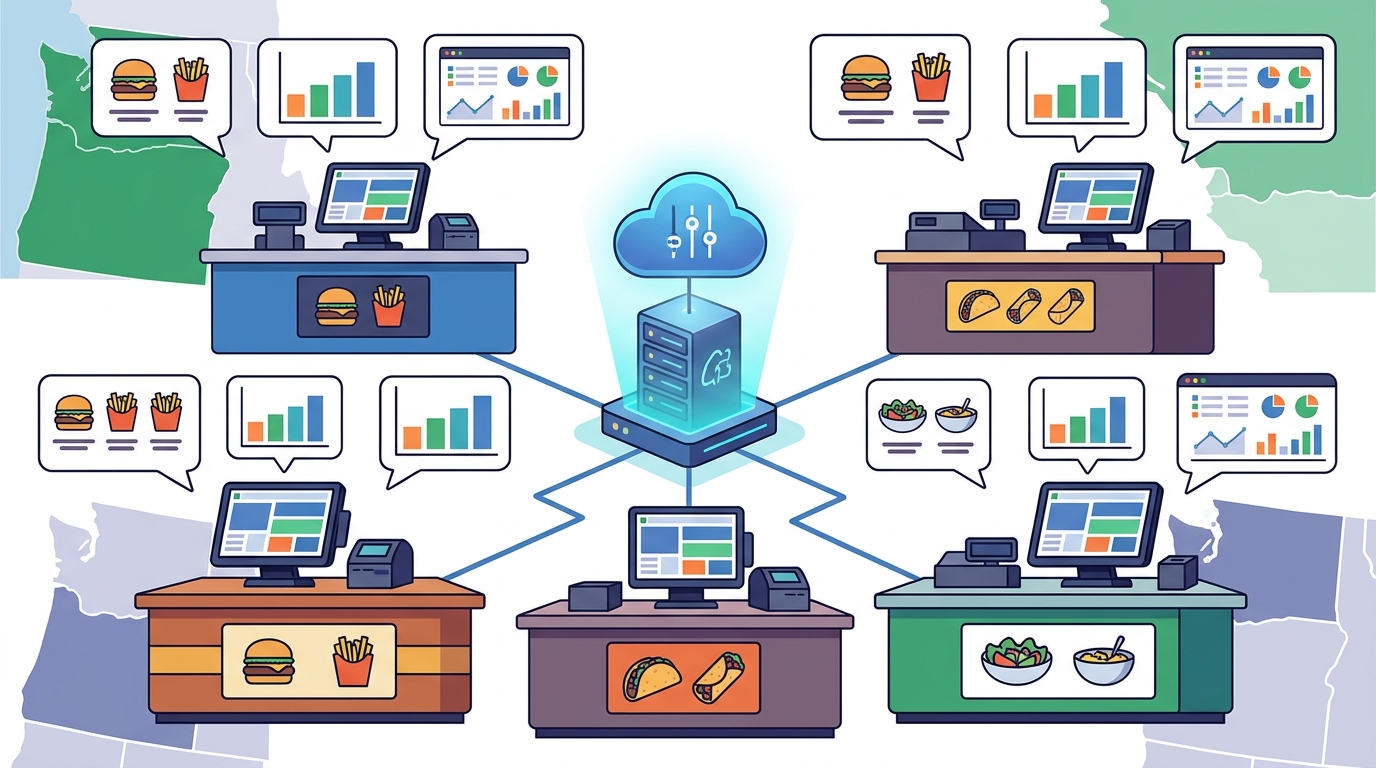
The foundation of a multi-location POS is a single source of truth. Centralized data is a system where all locations report to one back office, allowing owners to view performance metrics in real time. This setup eliminates the need to log into separate accounts for each site. For example, a manager can see daily sales for three different restaurants on one dashboard. This visibility helps identify trends, such as a menu item performing well in one location but poorly in another. Process with Bryant emphasizes that reporting should be a single operating view, not a fragmented collection of spreadsheets.
Menu and Inventory Synchronization
Consistency is critical for brand identity. Menu synchronization is the automatic update of items, prices, and modifiers across all locations when changes are made in the central system. This prevents errors where one location sells an item that is out of stock elsewhere. Inventory management becomes more efficient when stock levels are tracked centrally. For instance, if a supplier delivers ingredients to a central kitchen, the system can allocate stock to each location based on demand. This reduces waste and ensures that guests have the same options regardless of which branch they visit. Bryant helps owners configure these workflows to match their specific supply chain.
Hardware Standardization and Placement
Using consistent hardware across locations simplifies training and support. Hardware standardization is the practice of using the same models of terminals, printers, and payment devices in every store. This approach reduces the learning curve for staff who move between locations. It also makes troubleshooting easier for support teams. For example, if a countertop terminal fails, the replacement unit is identical to the one in the other stores. Process with Bryant selects commercial-grade hardware that fits the service style of each location, ensuring that the physical setup supports the digital workflow.
Staff Permissions and Role Management
Managing employees across multiple sites requires clear access controls. Role-based permissions are a security feature that limits what staff can do based on their job title and location. A manager at one location should not be able to void transactions at another. This setup protects revenue and maintains accountability. For example, a shift lead can open and close their own register but cannot access corporate-level reports. Process with Bryant configures these roles during the initial setup, ensuring that the system enforces the hierarchy of your business.
Support and Training Models
Scaling a business means scaling your support needs. A dedicated support model is a service structure where a single point of contact handles issues for all locations. This avoids the frustration of dealing with different vendors for different stores. Training should be standardized so that new hires learn the same system regardless of where they start. For example, a video tutorial library can be used to onboard staff at all branches. Process with Bryant provides ongoing support and training, ensuring that the system remains a tool for efficiency rather than a source of stress.
Key Takeaways
- Centralized reporting provides a single view of performance across all locations.
- Menu and inventory synchronization ensures consistency and reduces waste.
- Hardware standardization simplifies training and makes support more efficient.
- Role-based permissions protect revenue and maintain accountability.
- Standardized training helps new hires become productive faster.
Frequently Asked Questions
Can I use different POS systems for different locations?
It is possible, but it creates significant challenges in reporting and inventory management. A unified system is generally recommended for multi-location businesses to ensure data consistency.
How do I handle inventory across multiple locations?
Use a POS with centralized inventory tracking. This allows you to monitor stock levels at each site and transfer items between locations as needed.
What hardware should I use for multiple locations?
Standardize your hardware. Using the same terminals and printers in every location simplifies training and makes it easier to replace broken devices.
How do I manage staff permissions across locations?
Implement role-based permissions. This ensures that employees can only access the features and data relevant to their specific role and location.
Who should I contact for multi-location POS support?
Choose a provider that offers a dedicated support line. Process with Bryant provides direct support for owners in Oregon and Washington, ensuring that you have a clear path for resolving issues.
Conclusion
Setting up a POS for multiple locations is about building a system that grows with your business. By focusing on centralized data, consistent hardware, and clear permissions, you can maintain control and efficiency. Process with Bryant helps owners in Oregon and Washington navigate these decisions with practical, local guidance. To plan your multi-location setup, for a free review.