
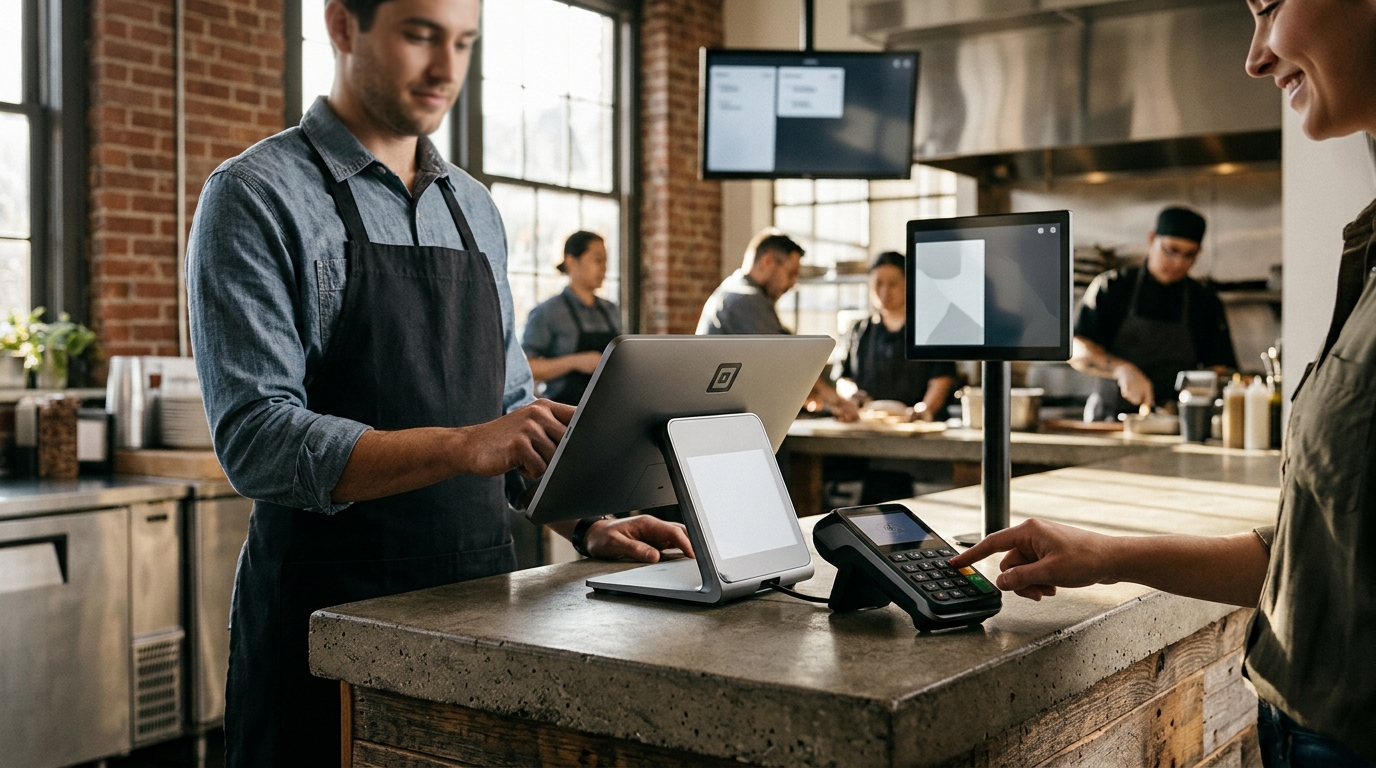
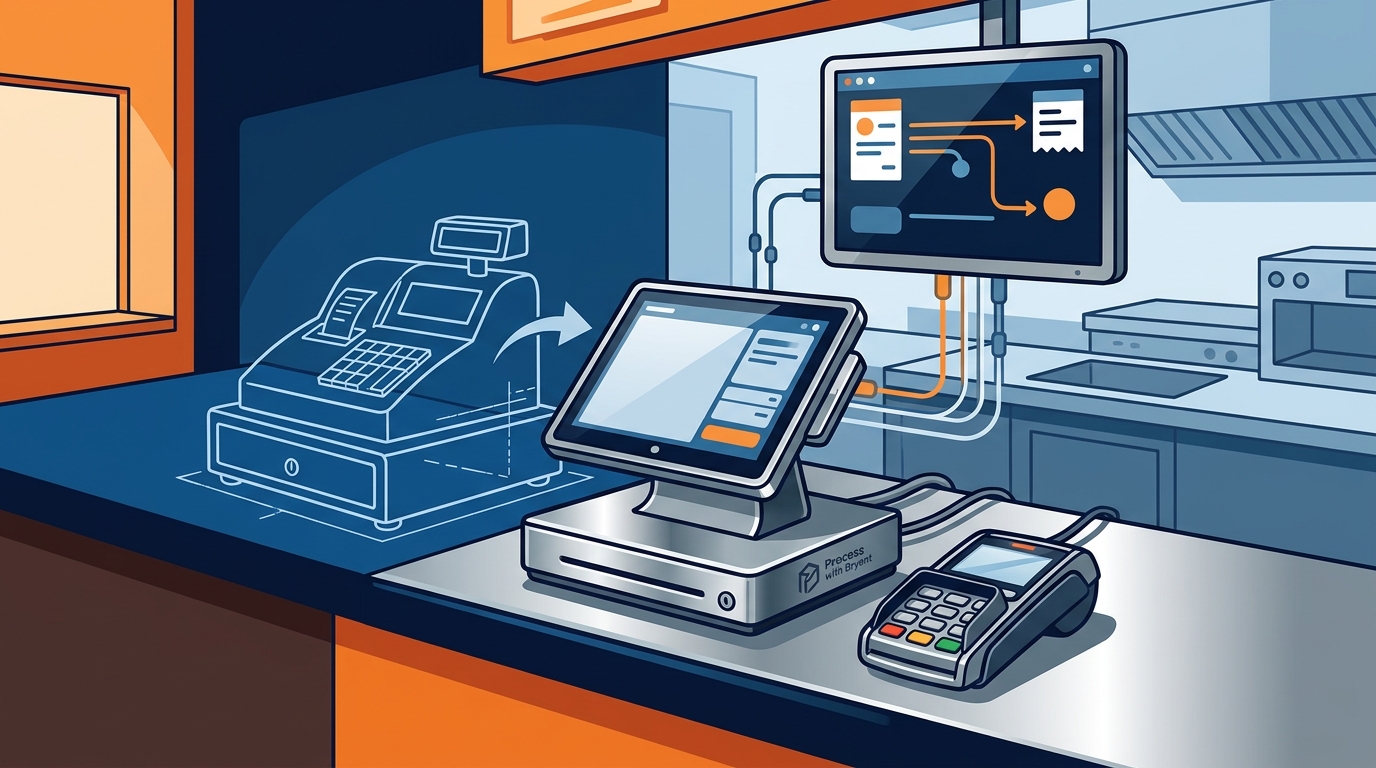
Replacing an outdated POS system requires integrating a countertop terminal, a customer-facing keypad, and a kitchen display system. These components must communicate seamlessly to ensure fast order entry and accurate ticket routing. Process with Bryant helps Oregon and Washington restaurant owners select hardware that fits their specific service flow and counter layout.
Core Countertop Terminals
The primary point of sale is the countertop terminal. This device handles order entry, payment processing, and receipt printing. A modern terminal should feature a large, responsive touchscreen and support multiple payment methods. For high-volume quick-service counters, a device like the PAX A800 provides the speed and reliability needed to keep lines moving. It integrates with the SkyTab ecosystem to ensure that every tap, dip, or swipe is processed without delay.
Customer-Facing Payment Keypads
A customer-facing keypad is a small display device that pairs with the main terminal. It allows guests to see their total and enter their PIN or tap their card directly. This separation of duties keeps the counter clean and reduces the time staff spend handling cards. The Smart Keypad supports tap, chip, and swipe payments, including Apple Pay and Google Pay. By giving guests control over the final payment step, you reduce friction and improve the overall checkout experience.
Kitchen Display Systems
A kitchen display system (KDS) is a screen that replaces traditional paper ticket printers. It shows incoming orders in real-time, allowing kitchen staff to see exactly what is being prepared. This reduces errors and speeds up ticket times. When integrated with the front-of-house terminal, the KDS ensures that the moment a guest pays, the kitchen knows the order is ready. This synchronization is critical for maintaining a smooth flow during busy shifts.
Mobile and Handheld Devices
Mobile devices extend the POS system beyond the fixed counter. A handheld terminal like the PAX A930 allows staff to take payments at the table or handle delivery orders. It features a built-in thermal printer for receipts and supports all major payment types. For food trucks or mobile operations, the Shift4 One offers a standalone mobile payment solution. These devices ensure that your business can accept payments wherever the service happens, not just at a single register.
Self-Service Kiosks
A self-service kiosk is a guided touchscreen station that allows guests to place their own orders. It reduces the workload on counter staff and minimizes order errors. The SkyTab Kiosk provides step-by-step prompts and sends SMS notifications for order status. It integrates with both the front and back of house, ensuring that kiosk orders flow directly to the kitchen display. This component is ideal for quick-service concepts where speed and accuracy are top priorities.
Key Takeaways
- Countertop terminals are the central hub for order entry and payment processing.
- Customer-facing keypads improve checkout speed by letting guests handle their own payment.
- Kitchen display systems replace paper printers to reduce errors and speed up service.
- Handheld devices enable tableside payment and mobile order management.
- Self-service kiosks reduce staff workload and improve order accuracy.
- All components must integrate with a unified POS platform for seamless operation.
Frequently Asked Questions
Do I need a kitchen display system if I have a printer?
Can I use a tablet as a POS terminal?
How do I ensure my hardware works with my POS software?
Choose hardware that is certified to work with your specific POS platform. Process with Bryant helps you select hardware that is fully integrated with the SkyTab ecosystem, ensuring that all devices communicate without compatibility issues.
What is the benefit of a customer-facing keypad?
A customer-facing keypad allows guests to see their total and enter their payment details directly. This reduces the time staff spend handling cards and improves the overall checkout experience. It also enhances security by keeping the main terminal screen focused on order entry.
Can I add hardware components later?
Yes, most modern POS systems are modular. You can start with a basic countertop terminal and add a KDS, keypad, or handheld device as your business grows. This flexibility allows you to scale your hardware investment in line with your operational needs.
Conclusion
Replacing an outdated POS system is about more than just buying a new screen. It is about integrating a suite of hardware components that work together to streamline your operation. From the countertop terminal to the kitchen display, each piece plays a specific role in keeping your service fast and accurate. Process with Bryant provides local expertise to help you choose the right combination of hardware for your restaurant. To plan your upgrade, for a free POS review.