
Quick-Service POS Hardware That Integrates with Shift4 Payment Processing
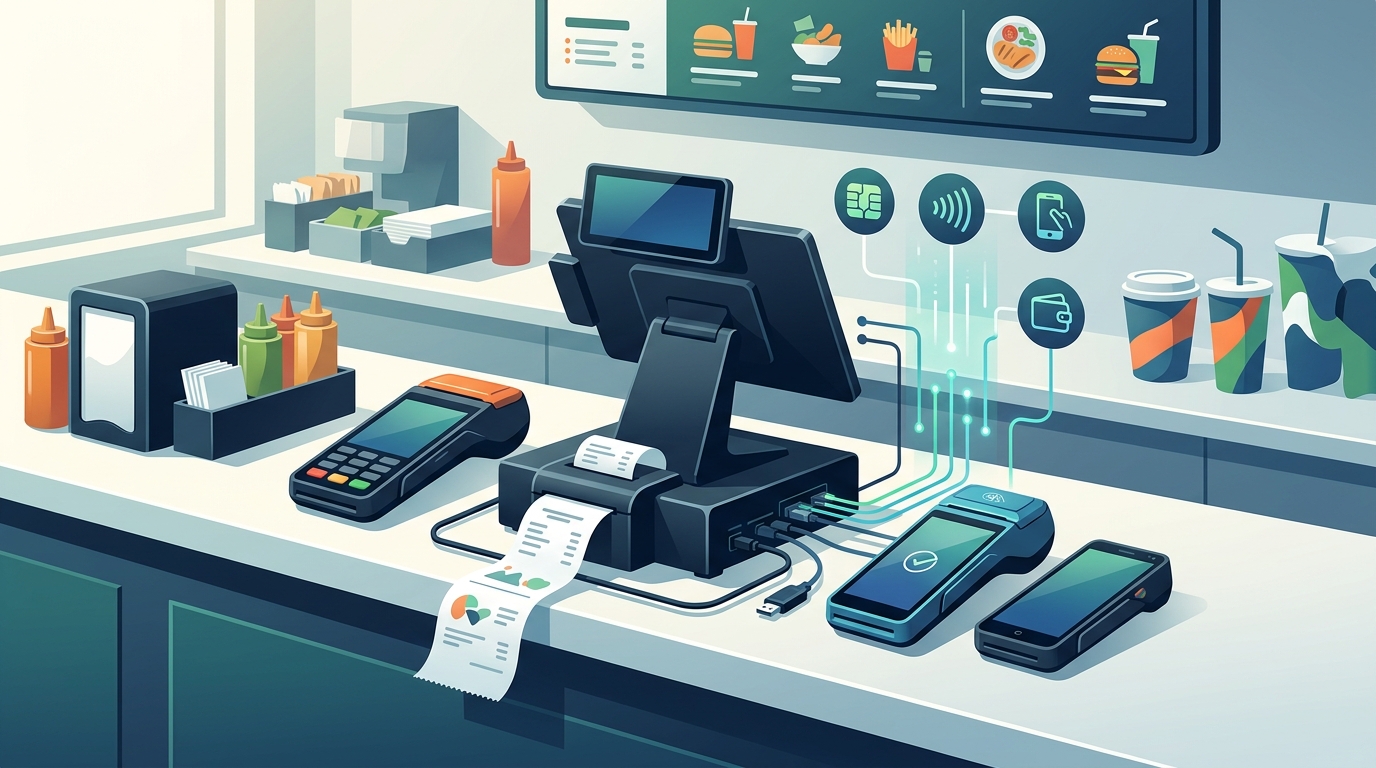
Quick-service POS hardware that integrates with Shift4 payment processing includes the PAX A800, PAX A930, Shift4 One, and the SkyTab ecosystem. These devices support EMV, NFC, and contactless payments, ensuring fast checkout for high-volume counters. This guide explains how to select, verify, and deploy these systems for your restaurant or retail operation.
How to Choose the Right Hardware
Choosing the right hardware is about matching the device to your specific service flow. A quick-service counter needs speed and reliability, while a tableside operation requires mobility and durability. The core takeaway is that hardware should solve a real service problem rather than just adding a screen to the counter.
Matching Hardware to Service Style
For high-volume quick-service counters, the PAX A800 is a high-performance Android touchscreen terminal. It is built for speed and integrates directly with the SkyTab ecosystem. For tableside service or delivery, the PAX A930 offers a lightweight handheld with a built-in thermal printer. This allows staff to take payment and print receipts without returning to the main counter.
Mobile and Standalone Options
If you do not need a full POS system, the Shift4 One is a standalone mobile payment solution. It supports Wi-Fi and 4G connectivity, making it ideal for food trucks or curbside pickup. The SkyTab Air is another lightweight option for fast-paced hospitality, featuring guest-facing checkout and direct kitchen ticket routing.
Questions to Ask Before Committing
Before purchasing, you must ask specific questions about connectivity and support. A generic bundle often fails because it does not account for your unique layout. You need to know if the hardware can handle your peak volume and if the support team understands your specific industry.
Connectivity and Network Requirements
Ask how the device connects to your network. Does it require a dedicated Wi-Fi channel, or can it use your existing business network? For mobile devices, verify if 4G data plans are included or if you need to manage them separately. This ensures the system remains online during internet outages.
Support and Training Availability
Inquire about the training process for your staff. Does the provider offer on-site training for managers and line staff? Process with Bryant provides practical onboarding built around how your operation actually runs. This ensures your team is confident before the first busy shift.
Verifying Integration Claims
Many vendors claim their hardware works with any payment processor, but this is often not true. You must verify that the specific model you are buying is certified for Shift4. This prevents compatibility issues that can stop your business from taking payments.
Checking Certification and Compatibility
Verify that the hardware is listed in the Shift4 compatible device catalog. The PAX A800 and PAX A930 are known to integrate with the SkyTab ecosystem, which uses Shift4 for payments. Always ask for a demo that shows the payment flow in action, not just the menu interface.
Implementation Process and Timeline
Implementing a new POS system involves several distinct steps. The process typically moves from planning to installation and finally to training. Understanding this timeline helps you manage expectations and prepare your team for the transition.
Step-by-Step Deployment
First, you review your current system and identify friction points. Next, the hardware is configured and installed on-site. This includes setting up menus, taxes, and payment flows. Finally, the team undergoes training to ensure everyone knows how to use the new system. This process usually takes a few weeks, depending on the complexity of your menu and layout.
Cost Drivers and Budgeting
The cost of a POS system is more than just the price of the terminal. You must consider software licensing, payment processing fees, and support costs. A low starting price can become expensive if the setup leaves staff working around the system every night.
Hardware vs. Software Costs
Hardware costs vary by device type. Countertop terminals like the PAX A800 are generally more affordable than full mobile ecosystems. However, you must also budget for the software platform, such as SkyTab, which includes features like loyalty programs and reporting. Payment processing fees are another ongoing cost that should be reviewed in plain language.
Common Mistakes to Avoid
Owners often make mistakes that lead to a poor user experience. One common error is choosing hardware without a plan. Another is treating payment costs as an afterthought. These mistakes can create costly delays when staff and guests need the system most.
Hardware Chosen Without a Plan
Buying devices one at a time leads to a cluttered counter and disconnected workflows. Each device should have a clear job, whether it is order entry, payment, or ticket printing. A planned setup is easier to learn and maintain.
Comparing Shift4 Hardware to Alternatives
Shift4 hardware offers a balance of performance and cost. Compared to other major providers, it provides a robust ecosystem for restaurants and retail. The table below summarizes the key differences between popular POS hardware options.
| Hardware Model | Best For | Key Features | Integration |
|---|---|---|---|
| PAX A800 | High-volume counters | Large Android touchscreen, EMV/NFC | SkyTab / Shift4 |
| PAX A930 | Tableside service | Handheld, built-in printer | SkyTab / Shift4 |
| Shift4 One | Standalone payments | Mobile, 4G/Wi-Fi, tipping | Shift4 |
| SkyTab Air | Fast-paced hospitality | Lightweight, guest-facing checkout | SkyTab / Shift4 |
Hardware for Specific Service Styles
The right hardware depends on your specific service style. A food truck has different needs than a full-service restaurant. Understanding these differences helps you choose the most effective tools for your operation.
Food Trucks and Mobile Vendors
For food trucks, the Shift4 One is an excellent choice. It allows you to take payments anywhere, keeping the line short and guests happy. The PAX A930 is also suitable for mobile operations where you need to print receipts on the go.
Compliance and Security Protections
Payment hardware must meet strict security standards to protect your business and customers. EMV compliance is essential for chip card transactions, while NFC support enables contactless payments. These protections reduce the risk of fraud and ensure a smooth checkout experience.
Local Support in Oregon and Washington
Local support is a critical factor in choosing a POS partner. Process with Bryant serves business owners across Oregon and Washington, providing on-site installation and direct support. This local presence ensures that help is available when you need it most, without waiting for a generic call center.
When to Act on Your POS Decision
Timing your POS upgrade is important for minimizing disruption. It is best to implement changes during slower periods, such as before a new menu launch or during off-peak seasons. This allows your team to learn the system without the pressure of a busy shift.
Long-Term Operational Results
A well-chosen POS system delivers measurable results over time. You can expect faster service, reduced order errors, and better visibility into sales data. These improvements help you protect your margin and enhance the guest experience.
Key Takeaways
- Match hardware to your service style, whether it is a counter, tableside, or mobile operation.
- Verify that the hardware is certified for Shift4 payment processing to avoid compatibility issues.
- Consider the total cost of ownership, including software, processing fees, and support.
- Choose a provider that offers local, on-site support and practical training.
- Plan your implementation timeline to minimize disruption to your daily operations.
- Ensure your hardware meets EMV and NFC security standards for fraud protection.
- Review your setup regularly to ensure it still fits your evolving business needs.
Frequently Asked Questions
What is the best POS hardware for a food truck?
The Shift4 One is an excellent choice for food trucks because it is a standalone mobile payment solution. It supports Wi-Fi and 4G connectivity, allowing you to take payments anywhere without a full POS system.
Does the PAX A800 work with Shift4?
Yes, the PAX A800 is a high-performance Android terminal that integrates with the SkyTab ecosystem, which uses Shift4 for payment processing. It supports EMV, NFC, and contactless payments.
How long does it take to install a new POS system?
Installation typically takes a few weeks, depending on the complexity of your menu and layout. The process includes on-site installation, menu build, and staff training to ensure a smooth transition.
What is the difference between a countertop terminal and a handheld?
A countertop terminal like the PAX A800 is fixed and best for high-volume counters. A handheld like the PAX A930 is mobile and ideal for tableside service or delivery, featuring a built-in printer for receipts.
How can I verify that a POS system is compatible with Shift4?
You can verify compatibility by checking the Shift4 compatible device catalog or asking for a live demo. Process with Bryant can help you confirm that the hardware you choose is certified for Shift4.
What are the main cost drivers for a POS system?
The main cost drivers include hardware purchase, software licensing, payment processing fees, and ongoing support. It is important to review these costs in plain language to understand the total investment.
Why is local support important for a POS system?
Local support ensures that you have a direct person to contact when issues arise. Process with Bryant provides on-site installation and ongoing support for businesses in Oregon and Washington, which can be faster and more effective than generic call centers.