
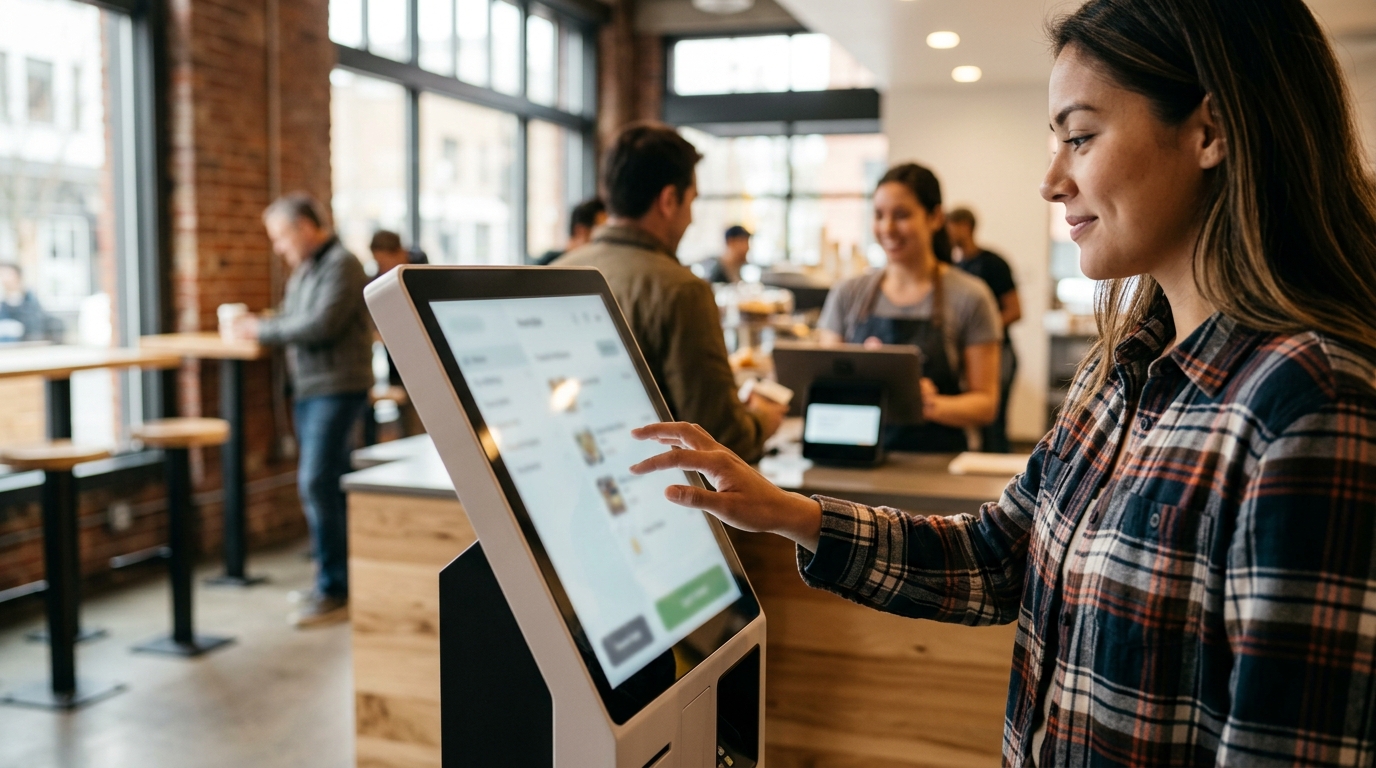
Portland restaurant owners can source self-order kiosks through local POS partners like Process with Bryant, which provides hardware, integration, and support across Oregon and Washington. This guide covers local providers, POS integration, and hardware options for quick-service counters.
Local Kiosk Providers
Choosing a local provider is critical for quick-service restaurants in Portland. A local partner understands the specific pace of the local market and can offer on-site support. Process with Bryant serves as a dedicated local POS partner for businesses in Oregon and Washington. Bryant brings a public-service mindset to POS implementation, ensuring that the hardware is installed correctly and the team is trained effectively.
Why Local Matters for Quick-Service
Quick-service operations have little tolerance for downtime. A local provider can respond to hardware issues or software glitches faster than a national remote support center. Bryant has worked in the payments industry since 2014 and offers direct support for the questions that arise after setup. This local presence ensures that the kiosk is not just installed, but integrated into the daily workflow of the restaurant.
Assessing Provider Capabilities
When evaluating providers, look for those who offer more than just hardware sales. The provider should handle menu building, payment setup, and staff training. Process with Bryant focuses on a practical conversation to understand the business's friction points before recommending a solution. This approach helps owners avoid committing to a system that does not fit their actual service style.
POS System Integration
Self-order kiosks are only as effective as their connection to the back of house. POS system integration is the process of connecting the kiosk to the kitchen display system, inventory management, and payment processing. A seamless integration ensures that orders placed at the kiosk appear instantly in the kitchen and that payments are processed securely.
Order Flow and Kitchen Connectivity
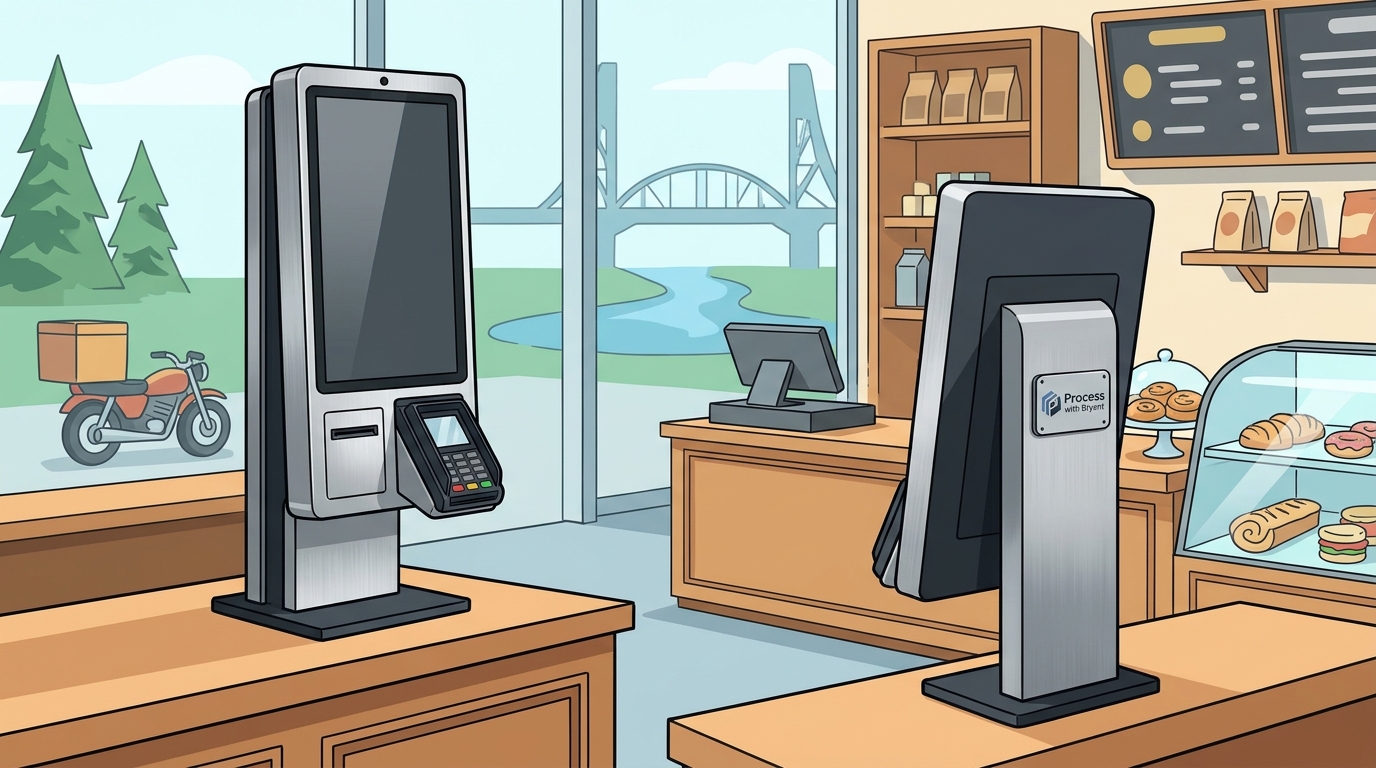
The kiosk must send order data to the kitchen display system (KDS) without delay. This requires a robust network and compatible software. Process with Bryant helps configure the connection between the kiosk and the kitchen, ensuring that tickets are routed correctly. This reduces the risk of order errors and speeds up the time from order to plate.
Payment Processing and Security
Payment integration is a key component of the kiosk experience. The system must support contactless payments, chip cards, and mobile wallets. Security is paramount, and the payment setup must comply with industry standards. Bryant assists in setting up payment processing that fits the way guests pay, ensuring a smooth checkout experience. This includes handling tips and split payments if applicable. according to Self Service Technology
Reporting and Data Utilization
Integrated systems provide valuable data on customer preferences and sales trends. Owners can use this data to optimize the menu and staffing. Process with Bryant helps owners understand the reporting tools available in their POS system. This allows for data-driven decisions that can improve profitability and guest satisfaction.
Kiosk Hardware Options
The physical hardware of the kiosk plays a significant role in the guest experience. Kiosk hardware options vary in size, durability, and features. The right hardware should be durable enough to withstand high-volume use and user-friendly enough for guests of all ages.
Screen Size and Interface
Screen size affects how easily guests can navigate the menu. Larger screens allow for more visual menu presentation, which can increase average order values. Studies show that self-order kiosks can increase average order values between 15% and 30% due to upsell automation and visual menu presentation. Process with Bryant helps select the appropriate screen size based on the counter space and menu complexity.
Durability and Placement
Kiosks in quick-service environments are subject to heavy use. The hardware must be durable and easy to clean. Placement is also important; the kiosk should be positioned to keep the line moving without creating a bottleneck. Bryant considers the layout and pace of service when recommending hardware placement. This ensures that the kiosk enhances the flow of the restaurant rather than disrupting it.
Connectivity and Power
Reliable connectivity is essential for kiosk operation. The hardware should support Wi-Fi and cellular connections to ensure uptime. Power management is also a consideration, especially for kiosks that operate long hours. Process with Bryant ensures that the hardware is set up with the necessary connectivity and power solutions to maintain reliability.
| Feature | Standard Kiosk | Advanced Kiosk |
|---|---|---|
| Screen Size | 21-24 inches | 27-32 inches |
| Payment Methods | Chip, Tap, Swipe | Chip, Tap, Swipe, Mobile Wallets |
| Connectivity | Wi-Fi | Wi-Fi, Cellular |
| Best For | Small Menus | Complex Menus, High Volume |
Key Takeaways
- Local providers like Process with Bryant offer faster support and better understanding of local market dynamics.
- Seamless POS integration is critical for efficient order flow and accurate payment processing.
- Kiosk hardware should be selected based on menu complexity, counter space, and expected volume. according to Kiosk Industry Stats
- Visual menu presentation on larger screens can increase average order values by 15% to 30%.
- Durability and ease of cleaning are essential for kiosk hardware in quick-service environments.
- Reliable connectivity, including cellular backup, ensures kiosk uptime during peak hours.
- Data from integrated systems can inform menu optimization and staffing decisions.
Frequently Asked Questions
What is a self-order kiosk?
A self-order kiosk is a touchscreen device that allows customers to browse a menu, customize orders, and make payments without interacting with staff.
How much does a self-order kiosk cost?
Costs vary based on hardware, software, and integration. Process with Bryant provides a free POS review to help owners understand the total cost of ownership.
Can kiosks integrate with my existing POS?
Yes, most modern kiosks can integrate with existing POS systems. Process with Bryant helps ensure compatibility between the kiosk and your current setup.
Do kiosks increase sales?
Studies indicate that self-order kiosks can increase average order values by 15% to 30% through upsell automation and visual menu presentation.
How long does installation take?
Installation time depends on the complexity of the integration. Process with Bryant handles on-site installation and setup to ensure the system is ready when doors open.
What kind of support is available?
Process with Bryant offers ongoing support for questions that arise after setup, ensuring that the system continues to fit the operation as the team gains experience.
Are kiosks suitable for small restaurants?
Yes, kiosks can be beneficial for small restaurants by reducing labor costs and improving order accuracy. The right size and placement are key to success.
How do I choose the right kiosk provider?
Look for a provider that offers local support, comprehensive integration, and practical training. Process with Bryant focuses on a real conversation to understand your specific needs.