

Quick-Service POS Hardware for Shift4: The 2026 Integration Guide
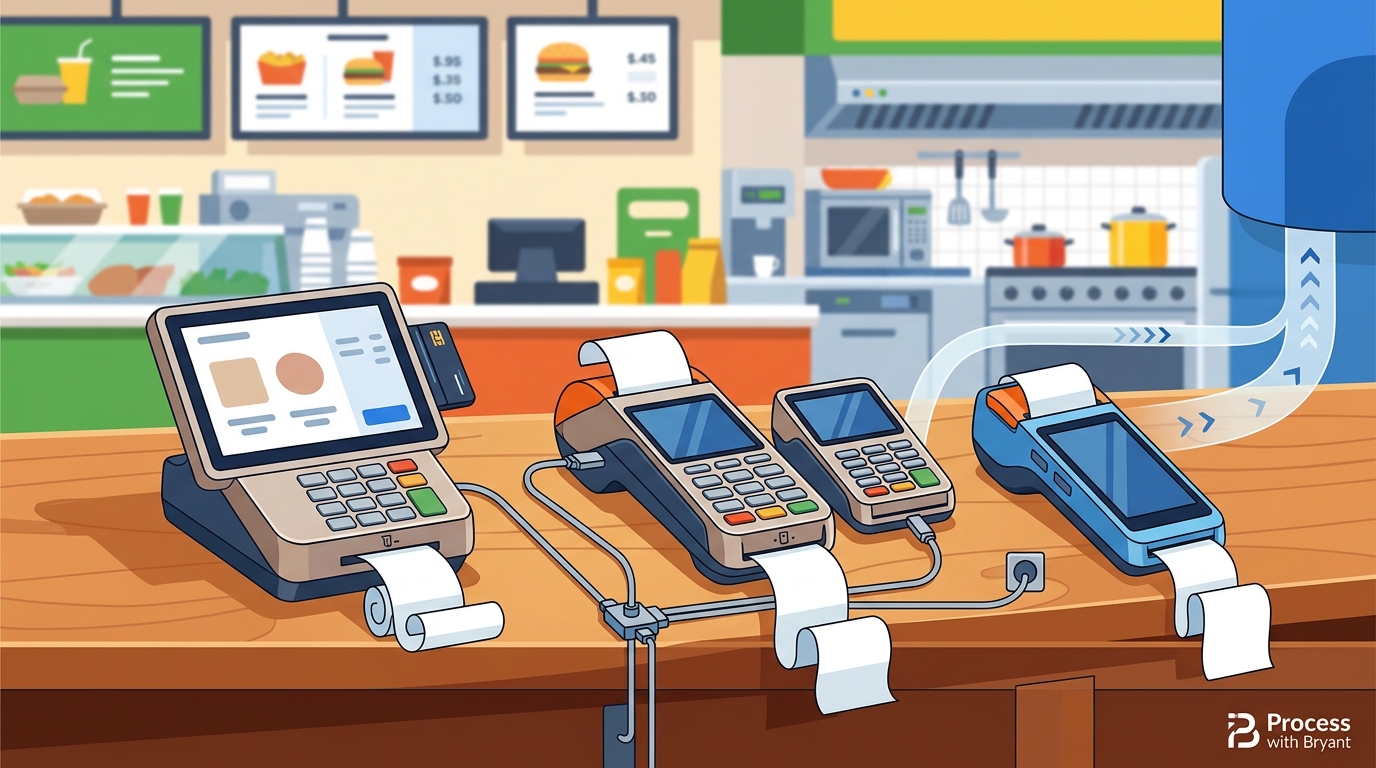
Quick-Service POS hardware that integrates with Shift4 payment processing includes the Shift4 One, Shift4 Duo, and the PAX A800. These devices allow restaurants to accept payments directly within the POS ecosystem. This guide covers how to choose the right hardware, verify compatibility, and plan your rollout.
How to Choose the Right Hardware
Choosing the right hardware depends on your service flow. A quick-service counter needs speed and reliability. A food truck needs mobility and battery life. A full-service dining room needs tableside payment capabilities. The device must match the physical environment where it will be used.
Counter vs. Mobile Needs
Countertop terminals are ideal for fixed locations. They offer larger screens and faster processing. Mobile devices are better for events or trucks. They must withstand drops and weather. Consider the number of staff who need access to the device.
Screen Size and Interface
A larger screen reduces errors during order entry. Touchscreens are standard for modern POS systems. Ensure the interface is intuitive for new hires. Complex menus require a device that can display multiple items at once.
Questions to Ask Before Committing
Before buying hardware, ask specific questions about compatibility. Does the device support the specific Shift4 payment methods you need? Is the device certified for your region? What is the warranty coverage? These questions prevent costly mistakes later.
Payment Method Support
Support and Warranty
Ask about the length of the hardware warranty. Is there a replacement program if the device breaks? Who provides technical support? A local partner can provide faster assistance than a national call center.
Verifying Compatibility Claims
Do not trust marketing claims without verification. Check the official Shift4 compatibility list. Look for the specific model number. Verify that the device is certified for your country. This step ensures the hardware will work with your payment processor.
Official Certification
Shift4 maintains a list of certified devices. Only devices on this list are guaranteed to work. Third-party devices may not be supported. Always verify the model number against the official list before purchasing.
Local Partner Verification
A local POS partner can verify compatibility on-site. They can test the device with your specific account. This hands-on verification is more reliable than online documentation. It ensures the device is ready for your launch.
The Integration Process
Integrating hardware with Shift4 is a structured process. It begins with account setup. Next, the hardware is provisioned. Finally, the device is tested in your environment. This process typically takes a few days to a week.
Provisioning and Setup
Provisioning links the device to your merchant account. This step is done by the payment provider. It ensures the device can securely process transactions. The device is then configured with your menu and settings.
Testing and Training
Test the device with various payment types. Run test transactions to ensure everything works. Train your staff on how to use the device. Proper training reduces errors and speeds up service.
Cost Drivers and Budgeting
The cost of POS hardware varies by model and features. Countertop terminals are generally more expensive than mobile devices. The cost includes the hardware, setup fees, and ongoing support. Budget for these costs before making a decision.
Hardware vs. Service Costs
Hardware is a one-time cost. Service fees are ongoing. Some providers charge a monthly fee for support. Others include support in the hardware price. Understand the total cost of ownership over three years.
Hidden Costs
Look for hidden costs like activation fees. Check for charges for additional devices. Understand the cost of replacing a broken device. A transparent pricing model helps you avoid surprises.
Common Mistakes to Avoid
Many owners make mistakes when choosing POS hardware. Buying the cheapest option is a common error. It often leads to poor performance. Another mistake is ignoring the service style. A device that works for a cafe may not work for a food truck.
Ignoring Service Style
Match the device to your service style. A busy counter needs a fast device. A mobile operation needs a durable device. Ignoring this mismatch leads to frustration. It can also slow down your service.
Skipping Training
Skipping training is a major mistake. Staff who do not know how to use the device will make errors. These errors can lead to lost sales. Invest time in proper training to avoid this issue.
Shift4 vs. Other Ecosystems
Shift4 is one of several payment ecosystems. It competes with providers like Square and Clover. Each ecosystem has its own hardware options. Shift4 is known for its flexibility and local support. It is a strong choice for independent restaurants.
Flexibility and Support
Cost Comparison
Hardware for Specific Service Styles
Different service styles require different hardware. A food truck needs a mobile device. A quick-service counter needs a countertop terminal. A full-service restaurant needs a mix of both. Choose the hardware that fits your specific operation.
Food Trucks and Mobile Vendors
Food trucks need durable, mobile devices. These devices must withstand the elements. They should have long battery life. The Shift4 One is a popular choice for mobile vendors.
Quick-Service Counters
Quick-service counters need fast, reliable devices. These devices should have large screens. They should be easy to clean. The PAX A800 is a good option for high-volume counters.
Compliance and Protections
POS hardware must comply with security standards. PCI DSS compliance is required. This ensures customer data is protected. Using certified hardware helps you meet these standards. It also protects your business from liability.
PCI DSS Compliance
PCI DSS is a set of security standards. It applies to all businesses that accept credit cards. Certified hardware helps you meet these standards. It reduces the risk of data breaches.
Warranty and Liability
Understand the warranty terms. Know who is liable if the device fails. A clear warranty protects your investment. It ensures you are not stuck with a broken device.
Local Considerations for Oregon and Washington
Climate and Durability
Choose hardware that can handle local weather. Rain and humidity can damage devices. Look for devices with weather-resistant designs. This ensures your hardware lasts longer.
Local Support
When to Act
Timing is important when choosing POS hardware. Act before your current system fails. Do not wait until you are in a crisis. Plan your upgrade in advance. This ensures a smooth transition.
Planning Ahead
Plan your upgrade at least a month in advance. This gives you time to research and order. It also allows time for training. A well-planned upgrade minimizes disruption.
Seasonal Considerations
Avoid upgrading during peak season. This can disrupt your service. Choose a slower period for your upgrade. This ensures you have time to focus on the transition.
Long-Term Outcomes
The right hardware leads to long-term benefits. It improves service speed. It reduces errors. It also improves customer satisfaction. These benefits compound over time. They help your business grow.
Service Speed and Accuracy
Fast, reliable hardware improves service speed. It reduces errors in order entry. This leads to higher customer satisfaction. Happy customers are more likely to return.
Business Growth
Efficient operations support business growth. They allow you to handle more customers. They also free up time for other tasks. This helps you focus on growing your business.
Key Takeaways
- Choose hardware that matches your service style.
- Verify compatibility with Shift4 before purchasing.
- Ask specific questions about support and warranty.
- Budget for both hardware and ongoing service costs.
- Avoid common mistakes like skipping training.
- Consider local conditions when choosing hardware.
- Plan your upgrade in advance to minimize disruption.
- The right hardware leads to long-term business growth.
Frequently Asked Questions
What is the best Shift4 hardware for a food truck?
The Shift4 One is a popular choice for food trucks. It is mobile and durable. It can handle various payment methods. It is ideal for mobile vendors.
How long does it take to set up Shift4 hardware?
Setup typically takes a few days to a week. It depends on the complexity of your setup. A local partner can help speed up the process.
Is Shift4 hardware expensive?
The cost varies by model. Countertop terminals are more expensive than mobile devices. Compare the total cost of ownership before deciding.
Can I use Shift4 hardware with other POS systems?
Shift4 hardware is designed to work with the Shift4 ecosystem. It may not be compatible with other POS systems. Verify compatibility before purchasing.
What is PCI DSS compliance?
PCI DSS is a set of security standards for credit card processing. It ensures customer data is protected. Certified hardware helps you meet these standards.
How do I verify if a device is Shift4 certified?
Check the official Shift4 compatibility list. Look for the specific model number. A local partner can also verify compatibility on-site.
What should I do if my device breaks?
Contact your local POS partner for support. They can help you troubleshoot or replace the device. A clear warranty protects your investment.
When is the best time to upgrade my POS system?
Upgrade before your current system fails. Avoid peak season. Plan your upgrade at least a month in advance.
Conclusion
Choosing the right Quick-Service POS hardware for Shift4 is a critical decision. It affects your service speed, accuracy, and customer satisfaction. By following this guide, you can make an informed choice. Contact Process with Bryant for a free POS review and personalized advice.