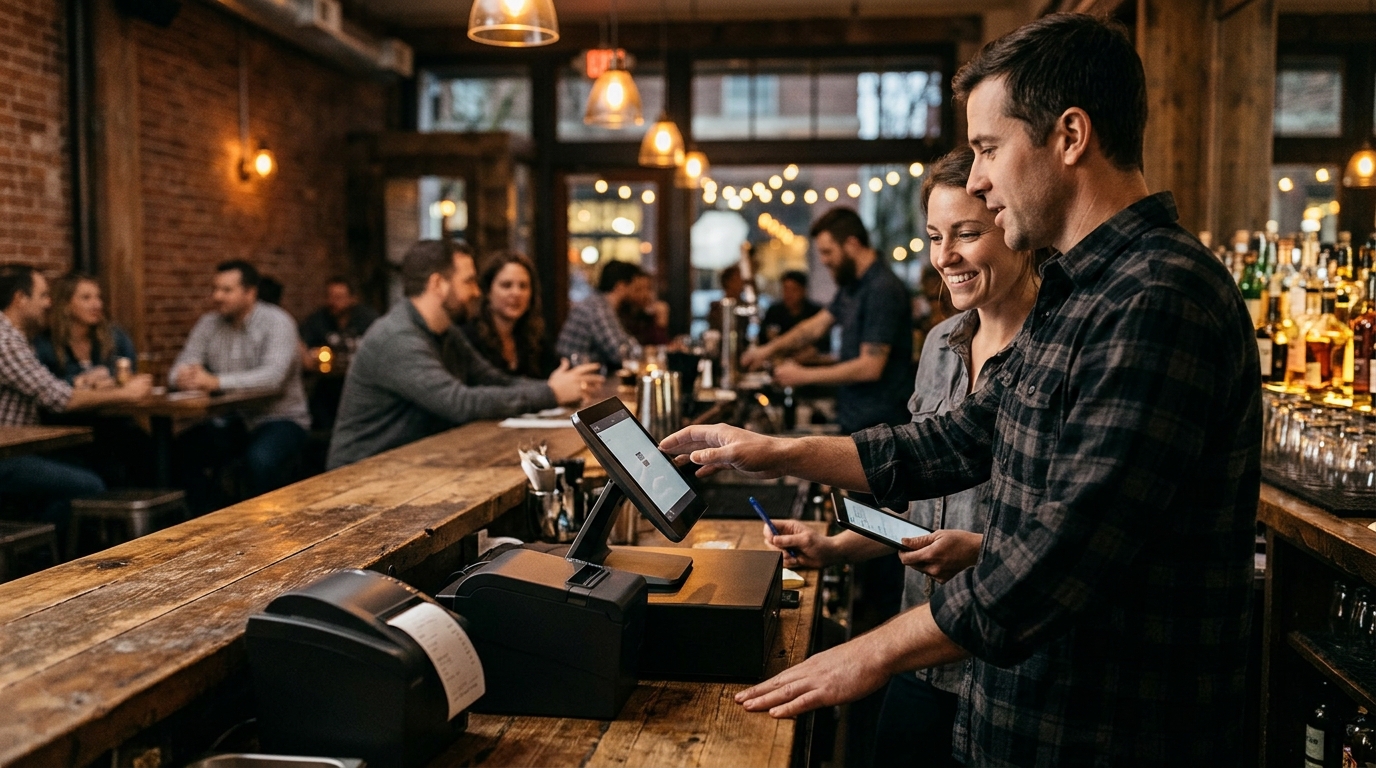
Local POS partners like Process with Bryant handle the end-to-end setup of bar systems in Portland, including tab management, tip routing, and kitchen printer integration. This guide explains the specific roles of a local provider, the technical requirements for kitchen connectivity, and how to ensure your staff is trained before the first shift. We cover the hardware, software, and support structures needed to keep a busy bar running smoothly.
Local POS Providers in Portland
Choosing a local provider is critical for bar owners in Portland who need immediate, hands-on assistance. A local POS provider is a business that offers on-site installation, configuration, and support for point-of-sale systems within a specific geographic region. Unlike national vendors that rely on remote chat support, local partners like Process with Bryant understand the specific operational rhythms of Oregon and Washington hospitality venues. They can be on-site during a rush to troubleshoot issues that would otherwise halt service.
Why Local Matters for Bars
Bars operate in high-pressure environments where a system failure directly impacts revenue. A local partner provides a direct line to the person who installed the system. This accountability ensures that when a tab will not close or a printer stops sending tickets, the solution is practical and immediate. Process with Bryant, for example, serves independent owners across Oregon and Washington, focusing on practical help from setup through daily use. This local presence means that support is not just a phone number, but a relationship with someone who knows your specific menu and layout. according to Top 50 POS
The Role of the Local Partner
The local partner acts as the bridge between the software vendor and your daily operations. They translate technical features into usable workflows for your staff. This includes configuring the system to match your specific service style, whether that is a high-volume taproom or a full-service restaurant bar. By starting with a real conversation about your friction points, a local provider ensures the system fits your business rather than forcing your business to fit the software.
Kitchen Printer Setup and Integration
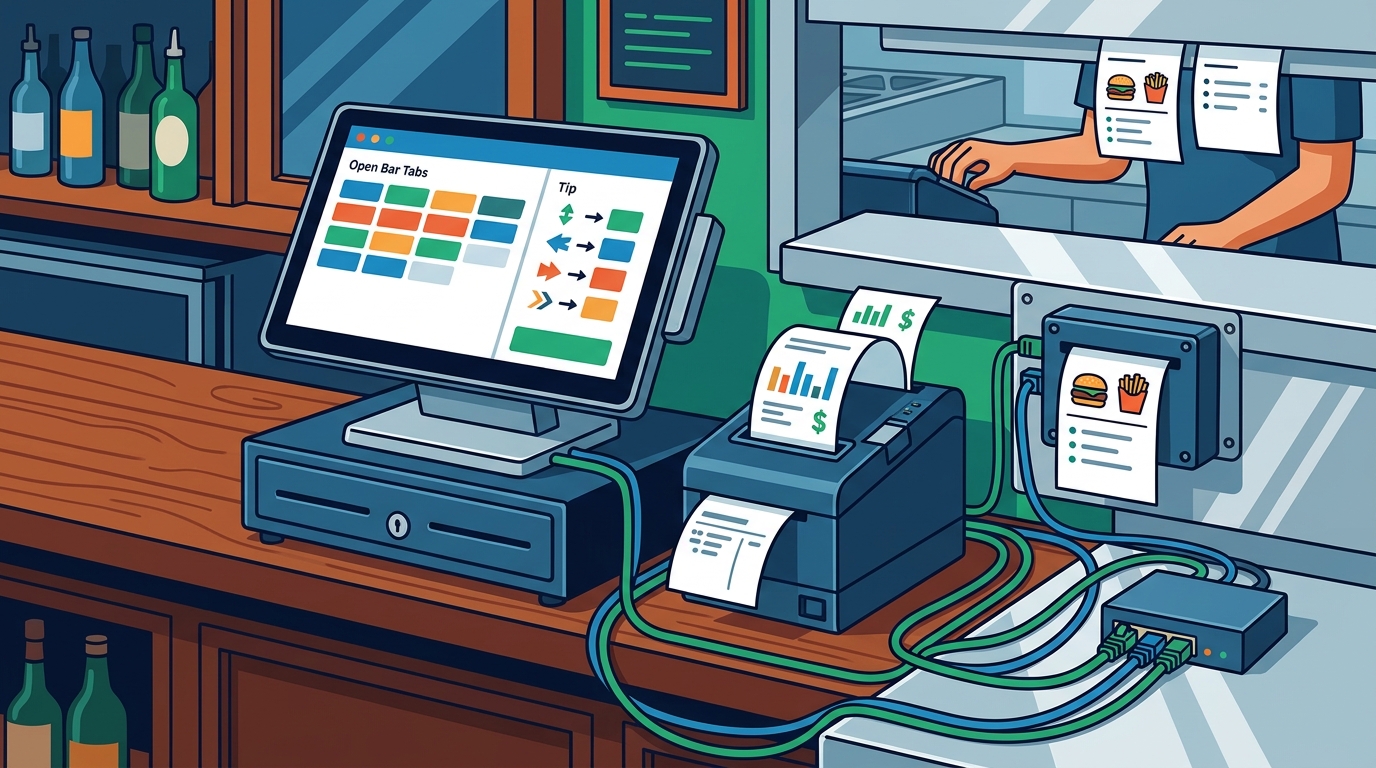
Kitchen printer setup is the technical process of connecting a POS terminal to a thermal printer in the kitchen to ensure orders are routed correctly. In a bar environment, this often involves a dual-printer setup: one for the bar station to print drink tickets and one for the kitchen to print food orders. Proper integration ensures that when a server enters a food item, it appears instantly in the kitchen, while drink orders stay at the bar. This separation prevents confusion and speeds up service during peak hours.
Network and Connectivity Requirements
Modern POS systems typically use Wi-Fi or Ethernet connections to communicate with printers. The setup requires a stable network environment where the printer and the POS terminal can "see" each other. A local provider will map out the network topology to ensure that signal strength is adequate in the kitchen, which is often a challenging location due to metal surfaces and distance from the main router. They will also configure the printer drivers and IP addresses to ensure reliable communication.
Routing Logic and Display Groups
Advanced POS systems allow for "display groups" or routing rules. This means you can program the system to send specific categories of items to specific printers. For example, appetizers might go to the main kitchen printer, while cocktails go to the bar printer. This logic is configured during the setup phase. A provider like Process with Bryant helps owners define these rules based on their actual kitchen layout and service flow, ensuring that tickets go to the right place without manual intervention. according to Top 50 POS
Choosing the Right Hardware for Bars
Hardware selection for a bar requires balancing durability, speed, and space constraints. A bar POS station is more than a screen; it is the hub where staff enter orders, manage tabs, and take payments. The hardware must withstand the physical demands of a busy bar, including spills, drops, and constant use. Selecting the right devices ensures that the system remains reliable and easy to use for your team.
Countertop Terminals and Handhelds
Most bars use a combination of countertop terminals and handheld devices. Countertop terminals are ideal for the main bar station where the bartender works. Handhelds allow servers to take orders and payments at the table, reducing the need to walk back to the bar for every interaction. Devices like the PAX A800 or SkyTab Air are often chosen for their durability and speed. The choice depends on your service style and the size of your dining room.
Customer-Facing Payment Devices
Customer-facing payment devices allow guests to tap, insert, or swipe their cards directly. This keeps the line moving and gives guests a clear view of their total and tip prompt. For bars, this is essential for quick checkout, especially when closing tabs. A local provider will help you choose the right device based on your counter space and the flow of your guests.
Payment Processing and Tip Management
Payment processing in a bar involves more than just accepting cards; it includes managing tabs, splitting checks, and routing tips correctly. Tip management is a critical feature that ensures servers and bartenders are paid fairly and accurately. A well-configured system allows for tip prompts at the point of sale, manual tip entry, and automatic tip distribution based on the items ordered. This reduces end-of-shift disputes and ensures that staff are compensated for their work.
Tab Management and Closing
Tabs are a staple of bar operations. The POS system must allow for opening a tab, adding items over time, and closing the tab with a single payment. This requires a robust database and a user interface that makes it easy for bartenders to track open tabs. A local provider will configure the system to handle your specific tab policies, such as time limits or credit card holds. This ensures that the system supports your business rules rather than complicating them.
Split Checks and Dual Pricing
Training and Ongoing Support
Training and ongoing support are essential for ensuring that your staff can use the POS system effectively. A local provider will offer practical onboarding for managers and staff, built around the way your operation actually runs. This includes training on order entry, tab management, payment processing, and troubleshooting common issues. Ongoing support ensures that you have a direct line to help when questions arise after setup.
Role-Based Training
Different roles in a bar require different levels of access and training. Bartenders need to know how to enter drink orders and close tabs. Servers need to know how to take table orders and split checks. Managers need to know how to run reports and manage staff permissions. A local provider will tailor the training to each role, ensuring that everyone knows exactly what they need to do. This reduces errors and increases confidence among your team.
Post-Setup Adjustments
The first week after launch often reveals details that a demo cannot. Staff may hesitate on certain tasks, or a device may need to be moved. A local provider can help make these practical adjustments so the system keeps fitting the operation as the team gains experience. This ongoing support is a key differentiator for local partners like Process with Bryant, who stay available for the questions that happen after setup.
Key Takeaways
- Local POS providers offer on-site installation and direct support, which is crucial for high-pressure bar environments.
- Kitchen printer setup requires stable network connectivity and proper routing logic to ensure orders go to the right place.
- Hardware selection should balance durability, speed, and space constraints, using a mix of countertop terminals and handhelds.
- Tip management and tab closing are critical features that must be configured to match your specific business rules.
- Role-based training ensures that each staff member knows exactly what they need to do, reducing errors and increasing confidence.
- Ongoing support from a local partner helps make practical adjustments after launch, ensuring the system continues to fit your operation.
- Choosing a provider who starts with a real conversation about your friction points ensures the system fits your business, not the other way around.
Frequently Asked Questions
Who is responsible for setting up the kitchen printer in a bar POS system?
The local POS provider is responsible for setting up the kitchen printer. This includes configuring the network connection, installing drivers, and setting up routing rules to ensure orders are sent to the correct printer.
Can a bar POS system handle both tabs and split checks?
Yes, a modern bar POS system can handle both tabs and split checks. The system allows for opening a tab, adding items over time, and closing the tab with a single payment. It also allows for splitting checks by item or by amount.
What is the difference between a local and a national POS provider?
A local POS provider offers on-site installation and direct support within a specific geographic region. A national provider typically relies on remote support. Local providers are often better suited for high-pressure environments like bars, where immediate, hands-on assistance is needed.
How long does it take to set up a bar POS system?
The setup time depends on the complexity of the system and the size of the venue. A basic setup can take a few days, while a more complex setup with multiple printers and handhelds may take a week or more. A local provider will give you a clear timeline during the initial consultation.
Do I need a separate printer for the kitchen and the bar?
Yes, it is recommended to have separate printers for the kitchen and the bar. This ensures that food orders go to the kitchen and drink orders stay at the bar, preventing confusion and speeding up service.
How does tip management work in a bar POS system?
Tip management allows for tip prompts at the point of sale, manual tip entry, and automatic tip distribution based on the items ordered. This ensures that staff are paid fairly and accurately, reducing end-of-shift disputes.
Conclusion
Setting up a POS system for a bar in Portland requires a partner who understands the specific demands of your operation. From configuring tabs and tips to integrating kitchen printers, the details matter. Process with Bryant provides the local expertise and hands-on support needed to ensure your system is ready when your doors open. To plan your visit and discuss your specific needs, for a free POS review.