

Check your POS system when service friction appears, payment costs rise, or hardware fails during peak hours. Process with Bryant advises owners to monitor these signals monthly to prevent downtime. Regular checks ensure your technology supports your current menu, staffing, and guest flow without unnecessary disruption.
Service Friction as a Primary Trigger
Service friction is the most immediate indicator that your POS system is no longer fitting your operation. When staff spend more time navigating menus or resolving payment errors than serving guests, the system is creating drag. This friction often starts small, such as a slow ticket print or a confusing modifier screen, but it compounds during busy shifts.
For example, a quick-service counter that takes 45 seconds to process a simple order is losing potential customers. If your team reports that the interface feels clunky or that specific tasks require too many taps, it is time to evaluate the setup. Restaurant POS station design plays a key role here, as poor placement or cluttered screens can exacerbate software limitations.
The implication is clear: if your staff are working around the system rather than with it, an update or reconfiguration is needed. This is not just about comfort; it is about protecting your service speed and guest satisfaction.
Payment Cost and Processing Efficiency
Payment processing is a critical component of any POS system, and rising costs or failed transactions are strong signals for an update. Restaurant payment processing fees can fluctuate based on volume, card types, and network changes. If you notice an increase in declined transactions or unexpected fee structures, your current setup may be outdated or misconfigured.
Consider a scenario where a restaurant sees a 2% increase in processing fees without a corresponding change in their card mix. This could indicate that their payment provider has updated their pricing model or that their terminal is not optimizing for the most efficient transaction path. Reviewing these costs quarterly is a best practice for maintaining margin.
Process with Bryant helps owners understand what card acceptance is costing them in plain language. By connecting the payment device, POS, and reporting tools, you can see the true cost of every transaction. This transparency allows you to make informed decisions about whether to switch providers or adjust your current setup.
Hardware Reliability and Physical Wear
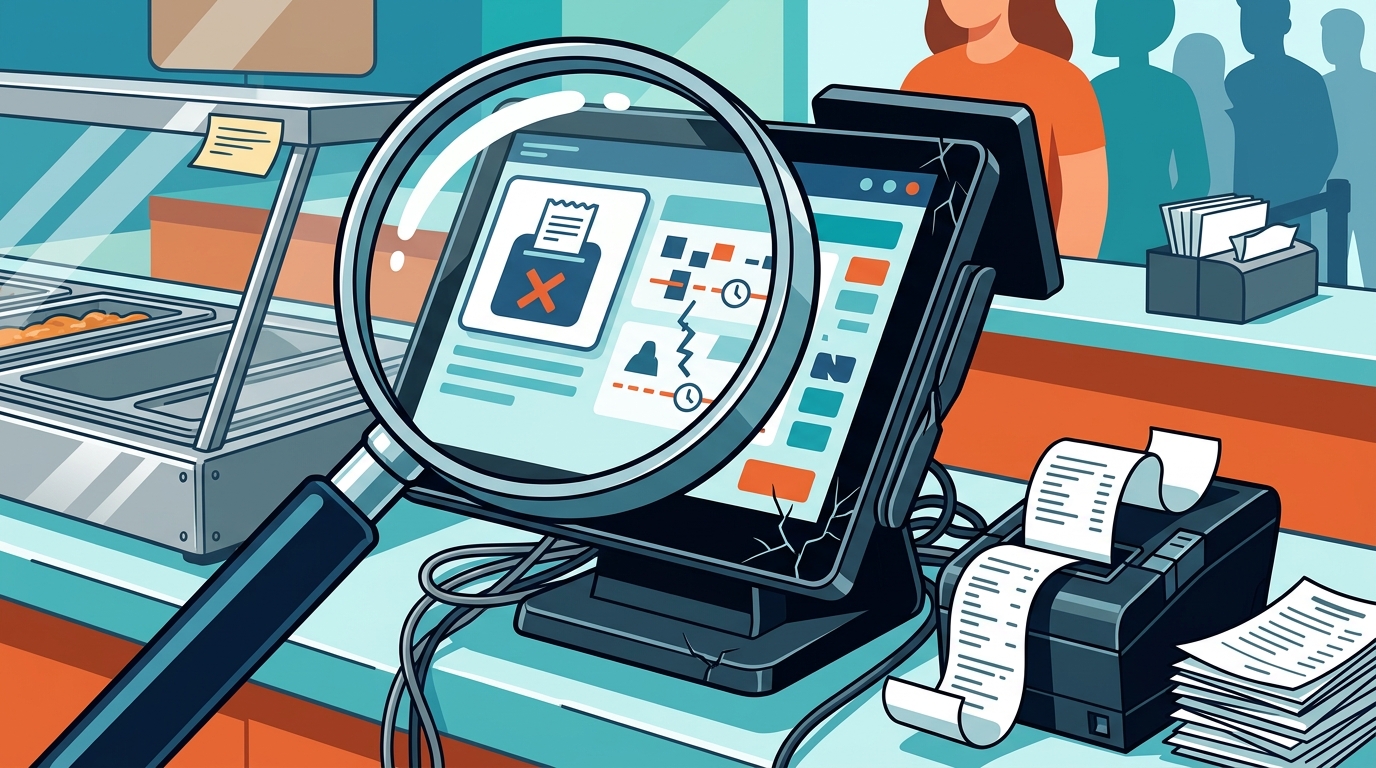
Hardware reliability is a physical indicator that your POS system needs attention. Terminals, printers, and customer-facing displays are subject to wear and tear, especially in high-volume environments. When a device starts to lag, overheat, or fail intermittently, it is a sign that the hardware is reaching the end of its useful life.
For instance, a countertop terminal that freezes during a lunch rush can halt the entire line. This is not just an inconvenience; it is a revenue loss. Regular physical inspections of your hardware should be part of your monthly routine. Look for signs of physical damage, such as cracked screens or worn buttons, which can affect usability and hygiene.
POS hardware selection should always be based on the specific demands of your counter and service style. If your current hardware is struggling to keep up with your volume, an upgrade to a more robust device may be necessary. This ensures that your technology can handle the pace of your business without constant maintenance.
Menu Growth and Operational Complexity
For example, a restaurant that adds a new line of specialty drinks with multiple customization options may find that their current POS system is slow to process these orders. This complexity can lead to errors and delays, which negatively impact the guest experience. A system that can easily accommodate menu changes is essential for long-term flexibility.
Process with Bryant works with owners to ensure that their POS system can scale with their business. By reviewing your menu and operational needs regularly, you can identify potential bottlenecks before they become critical issues. This proactive approach helps you maintain a smooth and efficient operation as your business evolves.
Staff Adoption and Training Gaps
Staff adoption and training gaps are a human factor that can indicate a need for a POS update. If new employees struggle to learn the system or if experienced staff are making frequent errors, it may be a sign that the interface is not intuitive. A system that is difficult to use will lead to higher training costs and lower staff morale.
Consider a situation where a new hire takes three weeks to become proficient with the POS system, while a competitor’s staff can learn it in three days. This difference in learning curve can have a significant impact on your operational efficiency. An update to a more user-friendly system can reduce training time and improve overall performance.
Key Takeaways
- Monitor service friction monthly to identify when staff are working around the system.
- Review payment processing costs quarterly to ensure you are not overpaying for transactions.
- Inspect hardware regularly for signs of wear, lag, or physical damage.
- Reassess your POS system when your menu grows or operational complexity increases.
- Watch for staff adoption issues, such as long training times or frequent errors.
- Use direct support from a local partner to address issues before they become critical.
Frequently Asked Questions
How often should I check my POS system for updates?
You should perform a basic check monthly and a deeper evaluation quarterly. Monthly checks focus on immediate friction and hardware health, while quarterly reviews look at costs and operational fit.
What are the signs that my POS system is outdated?
Signs include slow processing times, frequent errors, difficulty adding new menu items, and staff struggling to use the interface. These are all indicators that the system is no longer fitting your operation.
Can I update my POS system without replacing the hardware?
In many cases, yes. Software updates and reconfigurations can often resolve performance issues. However, if the hardware is physically worn or too slow, an upgrade may be necessary.
How does Process with Bryant help with POS updates?
Process with Bryant provides local support and practical guidance to help you evaluate your current setup. They work with you to identify friction points and recommend the right updates or replacements.
Is it worth switching to a new POS system if my current one is mostly working?
It depends on the level of friction. If your current system is causing significant delays, errors, or cost issues, a switch may be worth it. If it is mostly working, a targeted update may be sufficient.
Conclusion
Regularly checking your POS system is essential for maintaining a smooth and efficient restaurant operation. By monitoring service friction, payment costs, hardware reliability, menu growth, and staff adoption, you can identify when an update is needed. Process with Bryant offers local expertise and direct support to help you make these decisions with confidence. To start your evaluation, request a free POS review and get a clear plan for your next step. according to Serving Up Technology